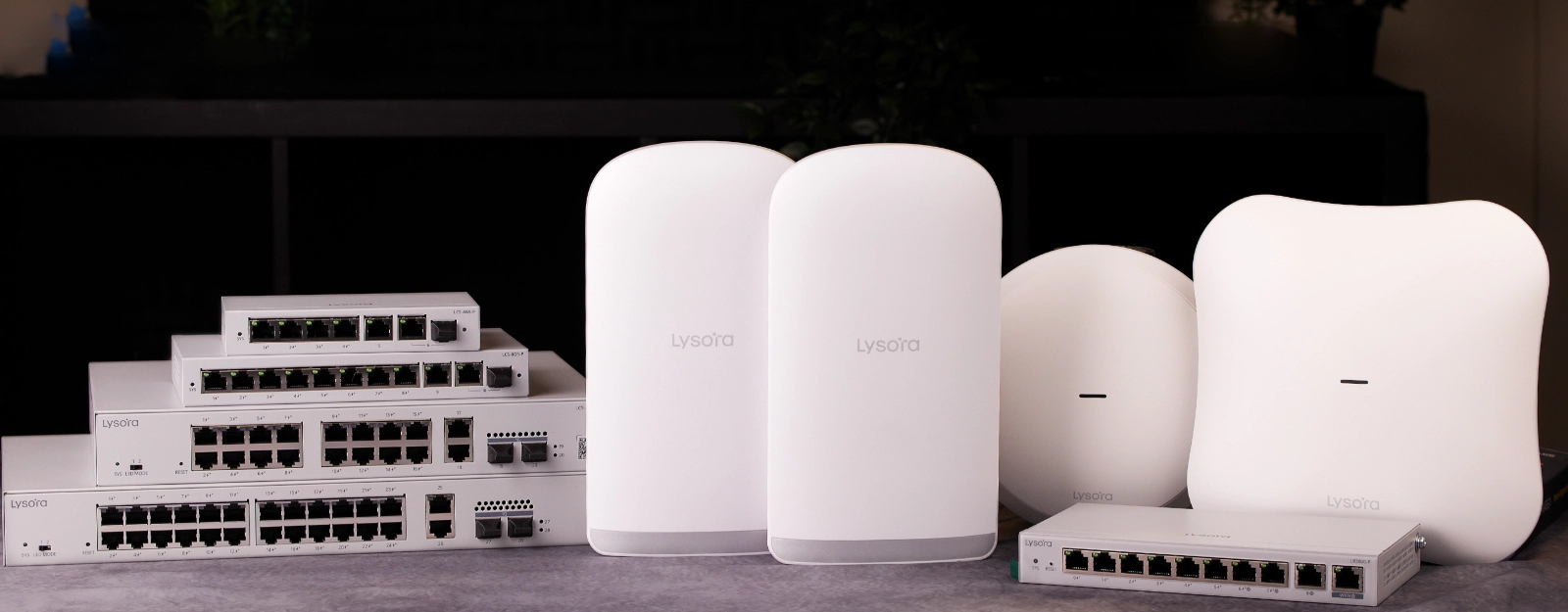
Today, we’re excited to announce our partnership with Lysora Technology. They are a manufacturer of cost-effective and powerful networking equipment for small to medium-sized businesses.
In this article, we’ll go over their existing product lineup and explain some of the key advantages that Lysora has over other networking equipment brands.
What Networking Products does Lysora Have?
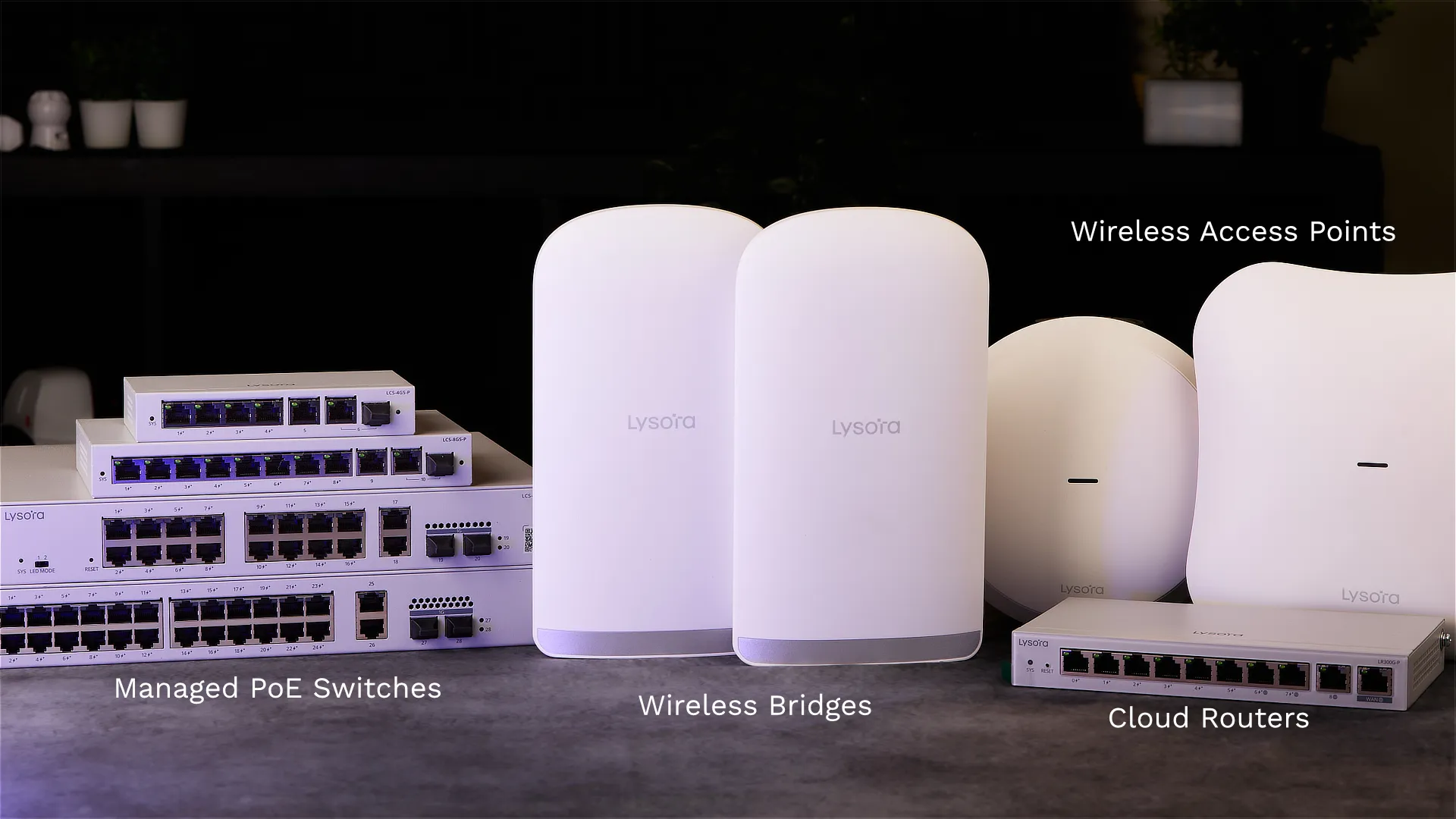
Lysora currently has four product lines:
They sell about 11 different models in total, which is not a huge amount, but sufficient to cover the majority of network. Plus, it’s easier to remember Lysora’s part numbers, compared to other brands where you may have dozens of similar products that are almost identical.
Lysora Routers – Support Multi-WAN Failover & VPNs
Lysora’s routers are a bit different than what you’d normally consider for a home or small office router. For one thing, they don’t have any wireless antennas on them – since they don’t transmit Wi-Fi at all.
Instead, they come with built-in PoE+ ports for powering devices such as VoIP phones and wireless access points. The reason is so that you can connect a dedicated wireless AP to the router, such as the LYS-L6 or L7Lite
The Lysora routers also have built-in supports for VPNs. A variety of protocols are supported, such as L2TP and IPSEC – but more importantly there is support for OpenVPN and WireGuard right out of the box. This lets you tunnel directly into your network using the OpenVPN / Wireguard app on a laptop or mobile phone – letting you access services on your network without opening ports on your router.
For example, if you have a printer on your corporate network, you’ll be able to print to it from your home computer as long it’s connected to the corporate VPN.
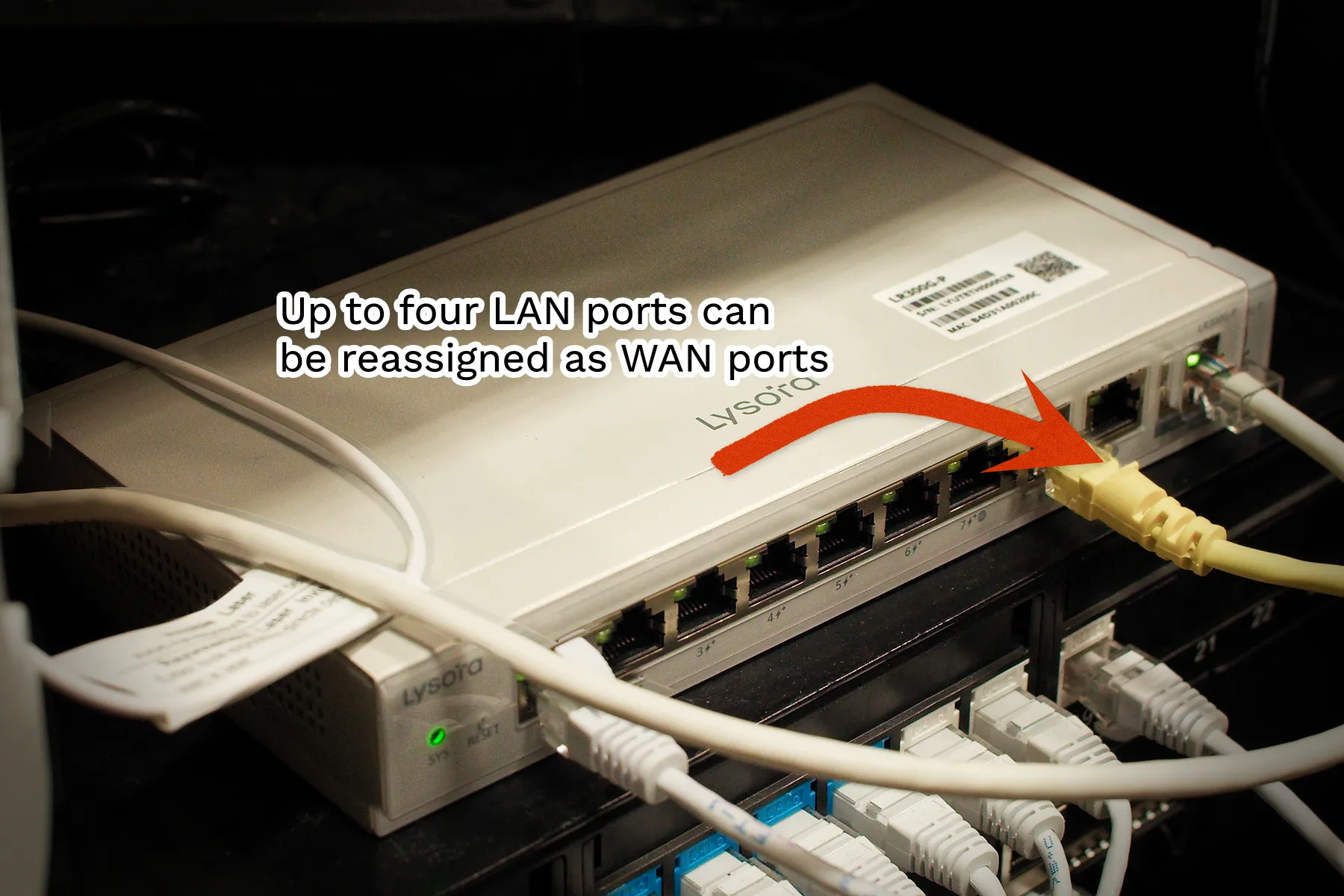
NAT Traversal – Connect to Devices Remotely
Lysora routers also have a powerful feature called NAT Traversal. This allows you to remote into any device in your network that has a web interface – such as a printer, security camera, or access control server. This mnakes it easy to manage and troubleshoot devices that do not have a cloud interface.
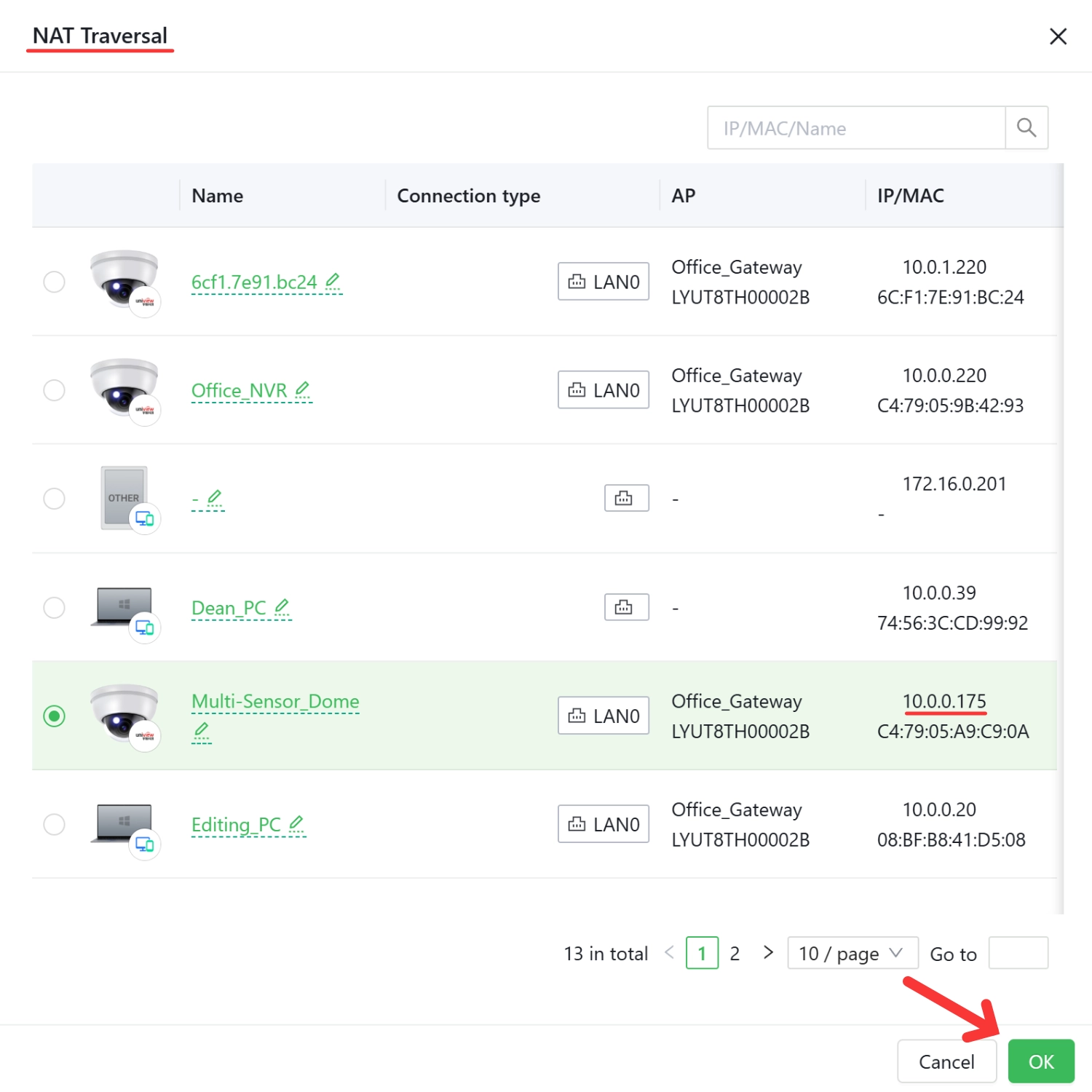
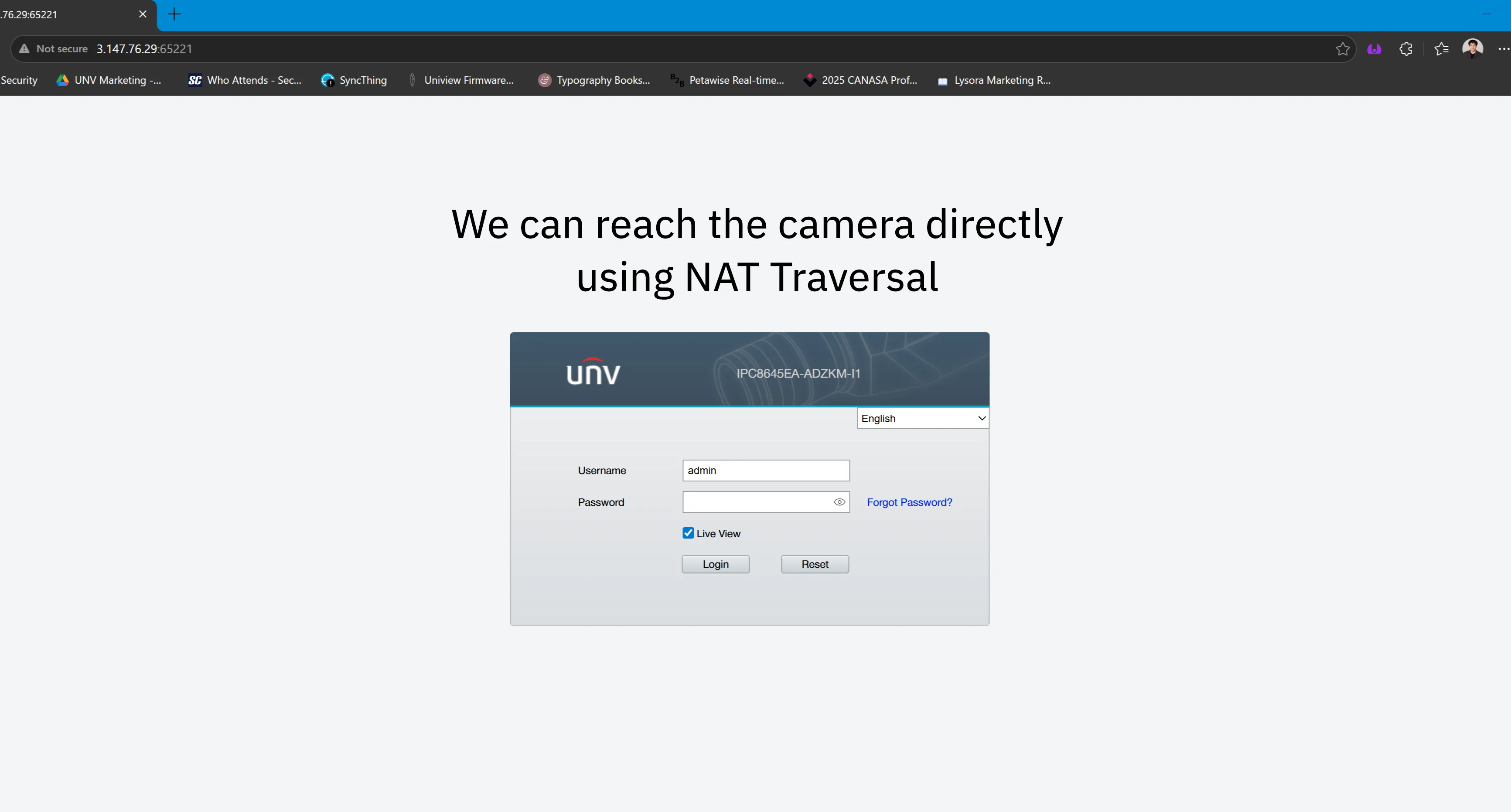
Lysoras NAT Traversal also supports SSH, Telnet, and RDP protocols. This means you can use it to connect with remote desktops or to SSH into devices such as managed switches and other networking equipment – furthering your ability to manage remote infrastracture.
Lysora Managed PoE Switches – Reboot PoE Ports & Loop Prevention
Lysora sells a variety of managed switches, but the ones we most commonly sell are Layer-2 switches with built-in PoE+ ports. They are useful for security camera applications, since you can reboot the PoE and monitor the power draw on individual ports.
You can also set up VLANs on Lysora’s managed switches, allowing you to split the network into different subnets for extra security and performance. This can reduce the noise in the network, since smaller networks will have less broadcast traffic – which can improve overall network performance.
Their managed switches also feature loop detection, which you can enable in the web interface. With loop detection enabled, any ports that get looped are detected by the switch and will get disabled. This prevents a single loop from taking down your entire network.
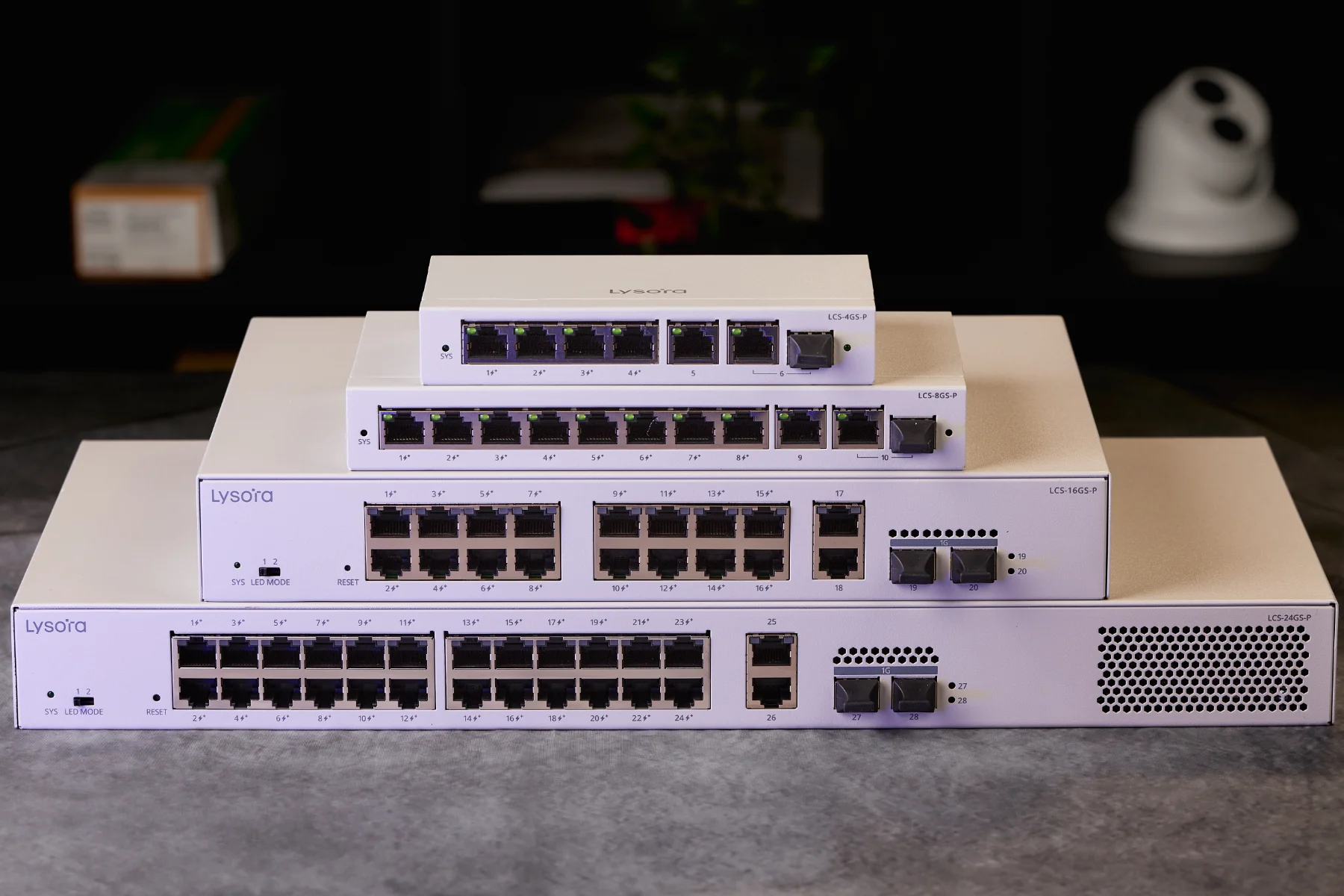
Additionally, Lysora’s managed PoE switches have a generous power budget.
For example, their 4-port PoE switch (LCS-4GS-P) has a 54 W PoE budget, allowing you to easily power PTZ cameras and Wi-Fi 7 access points – both devices which require up to 30 W of power.
Since you can reboot ports individually, you can easily troubleshoot camera issues remotely. If a camera goes online, simply reboot the port it’s attached to remotely and see if it comes back online. You don’t have to ask your customer to do it – nor do you have to be on site.
Since you can remotely reboot ports, Lysora switches can save you a lot of service calls for simple issues. And because you can see exactly which ports and connect, you can diagnose issues more easily.
Lysora Wireless APs – Engineered for Reliability and Performance
Lysora carries a variety of wireless access points, including both Wi-Fi 6 and Wi-Fi 7 devices. These include both ceiling-mounted and in-wall models – as well as a few outdoor access points.
All of Lysora’s wireless APs support enterprise features, such as per SSID and per client rate limiting. They also support Wi-Fi VLAN – allowing you to isolate clients on a specific SSID. For example, you can create an SSID just for IoT network devices, preventing them for accessing the rest of your network.
Wi-Fi rate limiting is a useful feature for restaurants and cafe’s where you want to provide free Wi-Fi to guests but don’t want one person to hog all the bandwidth.
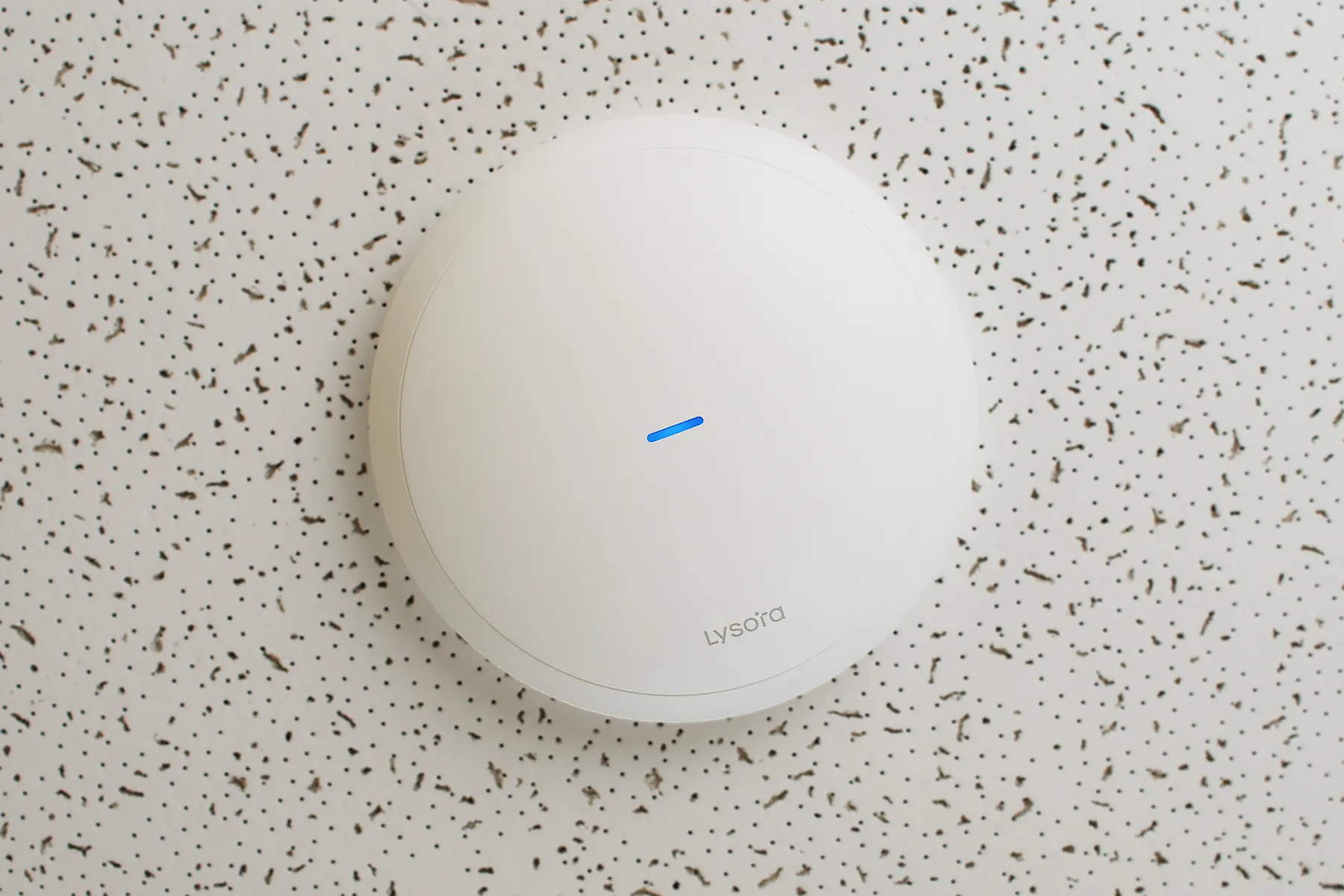
All of Lysora’s APs can be powered using standard 48 volt PoE or PoE+. Some models such as the L6Lite only require up to 15 W or power, but higher models such as the L7 require up to 30 W of power for full performance.
They are well suited for all types of projects, ranging from small offices to large warehouses. Plus, they are extremely cost-effective – so you can add more of them for better network coverage.
Lysora Wireless Bridges – Suitable for CCTV or High-speed Internet Connectivity
Lysora also carries a few different types of Wireless bridges. The base model is called CPE3-P – and it’s designed specifically for video surveillance purposes.
The CPE3-P has a PoE input port, which accepts both 24 V passive and standard 48 V PoE. It also has two PoE outputs, which share a 15.4 W power budget between them. This allows you to connect two security cameras directly to the bridge, without needing to buy an extra PoE switch or injector – saving you both on equipment cost and time.
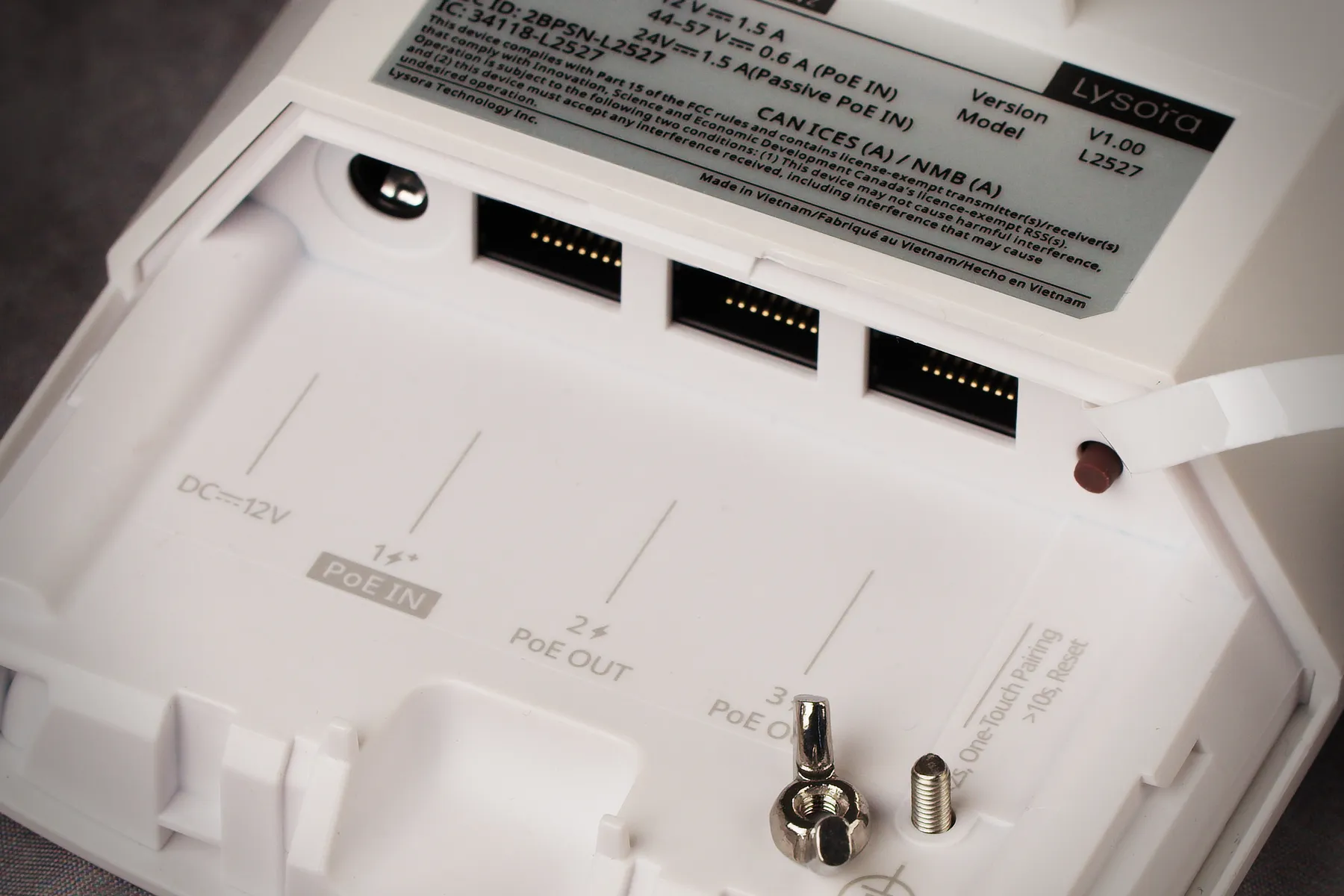
The only downside to CPE3-P is that the LAN ports are limited to 10/100 Mbps. This is usually enough for security camera installations and light internet usage, but is limiting for tasks that require more bandwidth – such as file transfer.
For high-bandwidth scenarios, you should consider the CPE5. These are sold in pre-paired sets of two and have full Gigabit LAN ports. The only disadvantage of CPE5 is that there are no PoE outputs – which means that you will require separate power for security cameras.
For a full explanation about Lysora’s wireless bridges, you can watch the video below:
Where to buy Lysora Network Equipment?
If you’re in Canada, you can buy Lysora directly from us at XLR Security. We’re an authorized distributor for Lysora, which means we can offer you a wide product selection and the best pricing.
You can visit our Lysora product page to see all the different models available.
If you’re located in the USA, you can buy Lysora from ENS Security. They have a wide product selection and over 9 locations from coast-to-coast.