
Uniview
14 guides: Uniview is one of the leading video surveillance manufacturers. Their cameras are reliable, affordable, and easy to use.
Topic
Level

Uniview Cameras & NVR Default Username and Password
If you're logging into a Uniview NVR or camera for the first time, you'll need to enter the default username…
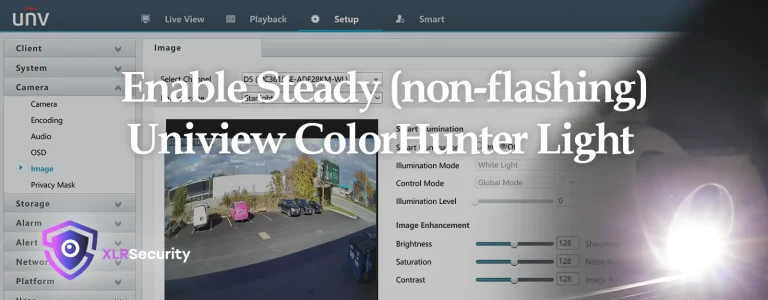
How to enable steady light on Uniview ColorHunter cameras
Uniview's ColorHunter cameras can be configured to have either a flashing light, or a steady light depending on your situation and requirements.…
Uniview Cameras & NVR Default IP Address
If you're looking for the default IP address of a Uniview NVR or security camera, your search is over! We…
How to add a Hikvision Camera on a Uniview NVR
Both Hikvision and Uniview security equipment are ONVIF compliant. This means their security cameras and video recorders can communicate with…
Installing the Uniview Plugin on Google Chrome
One of the most common questions we've been asked is how to install the Uniview plugin and view the cameras…
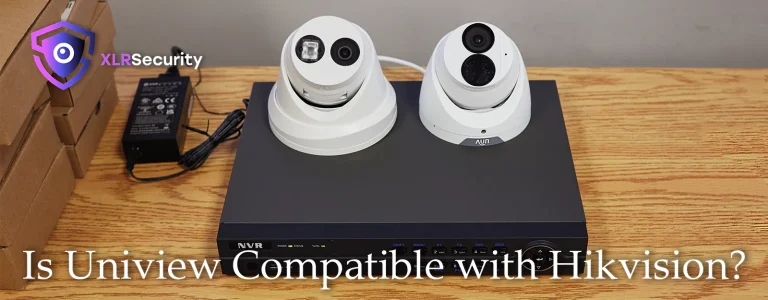
Is Uniview Compatible with Hikvision?
As a Uniview distributor, we get asked a lot of questions about security cameras. One of the most common questions…
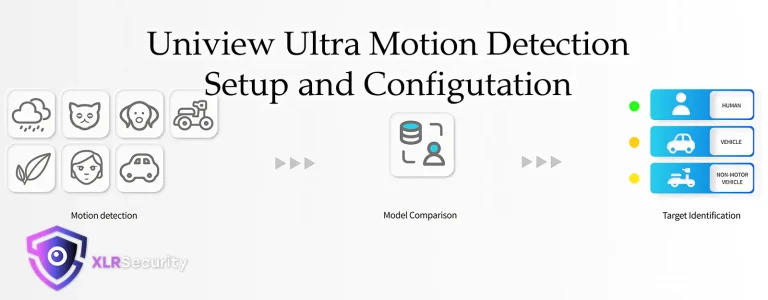
How to Setup Uniview Ultra Motion Detection
In this tutorial, we will teach you all about Uniview's new "Ultra Motion Detection" feature. You will learn how to…
Finding Uniview IP Cameras with Auto Search via Web Browser
In this tutorial, we will access the Auto Search button from the web interface of the NVR; using a laptop…
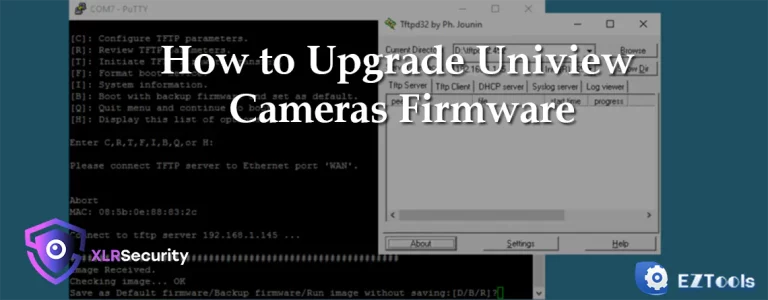
How to Update Uniview Cameras Firmware
Importance of Firmware Upgrades It’s important to keep your camera’s firmware upgraded to the latest version for a variety of…