
Lysora Technology

Lysora Resources
Lysora Cloud Routers
Multi-WAN & VPN Support for Business
LR100G
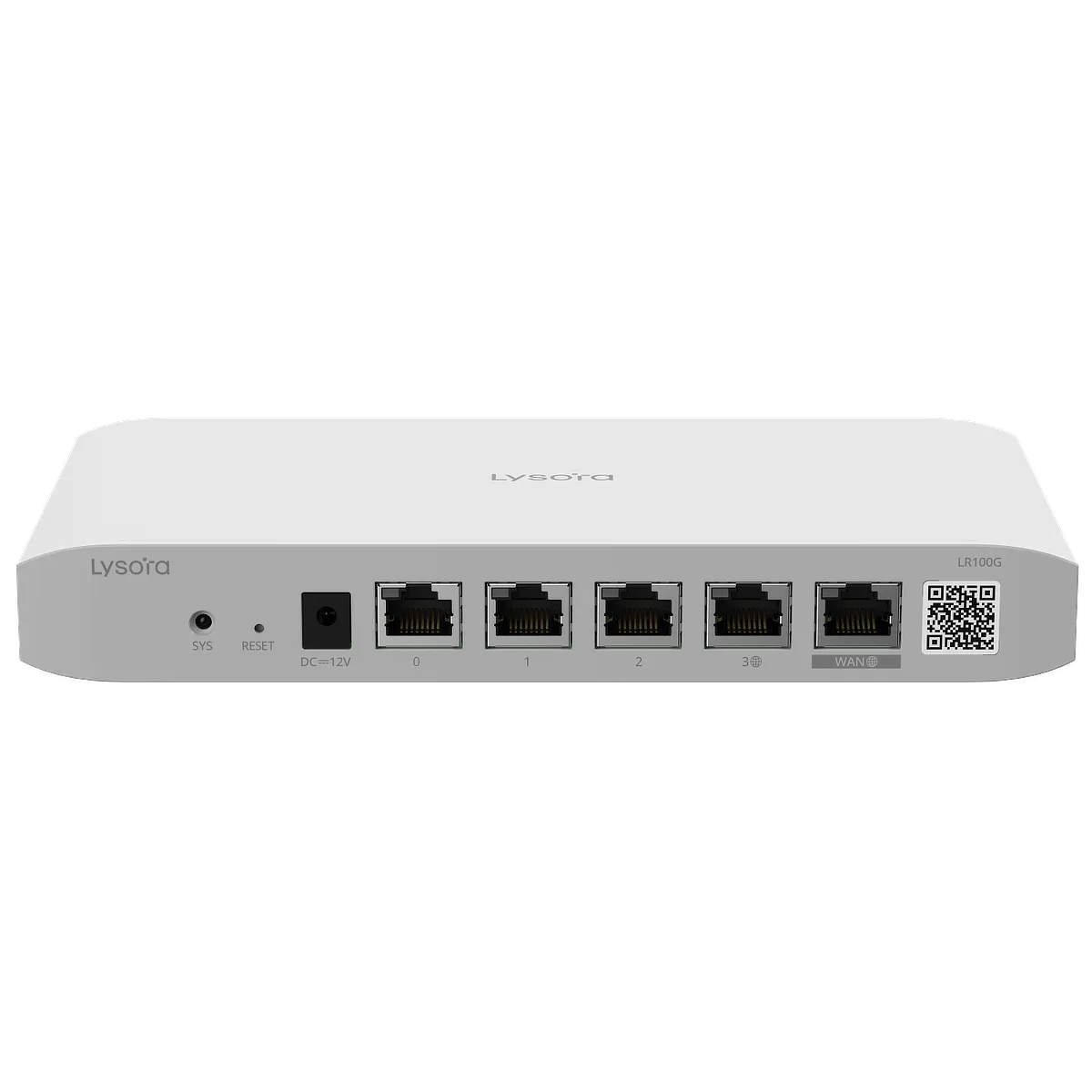 5-port cloud managed router
LR300G-P
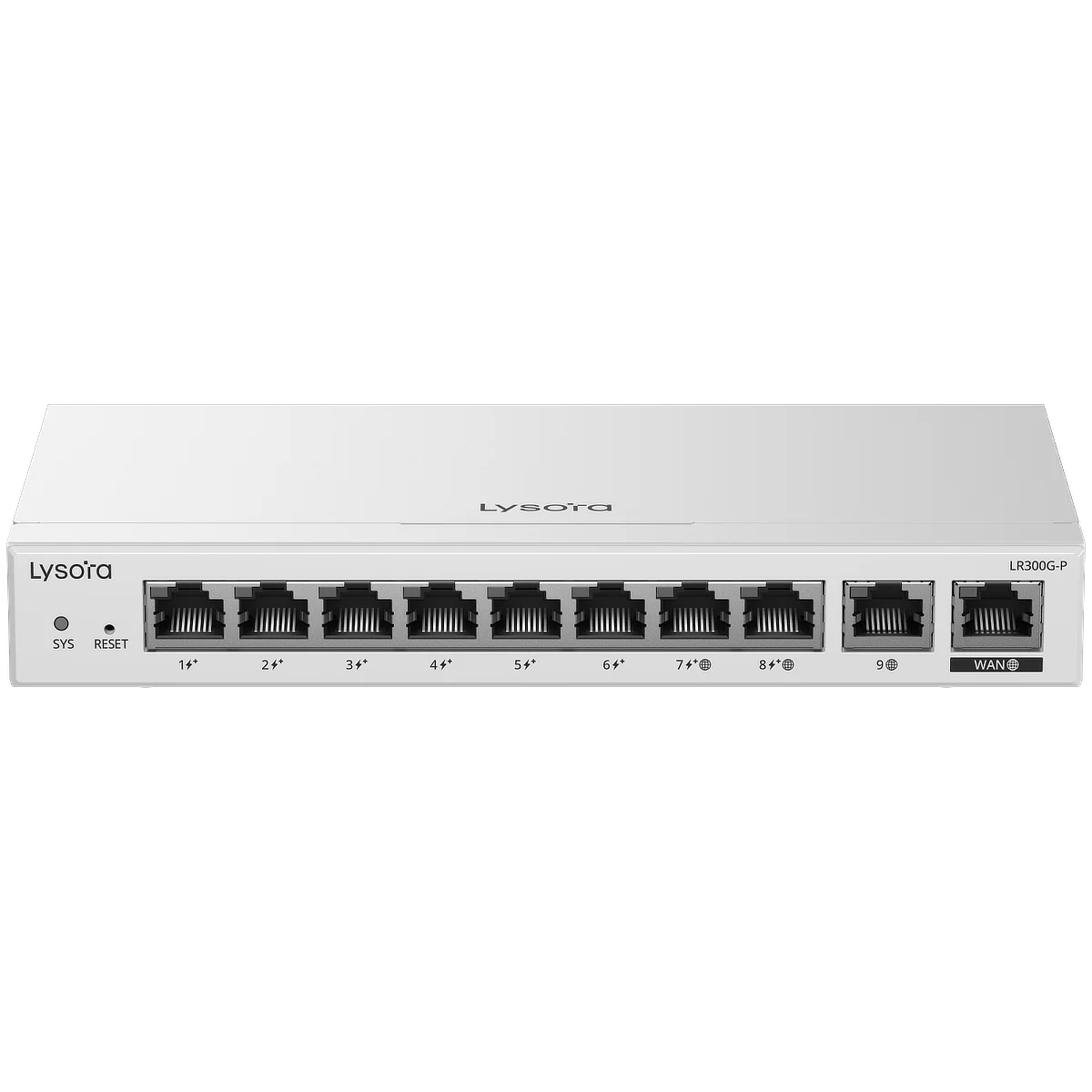 10-port router with 8 PoE+ ports
LR1500XS
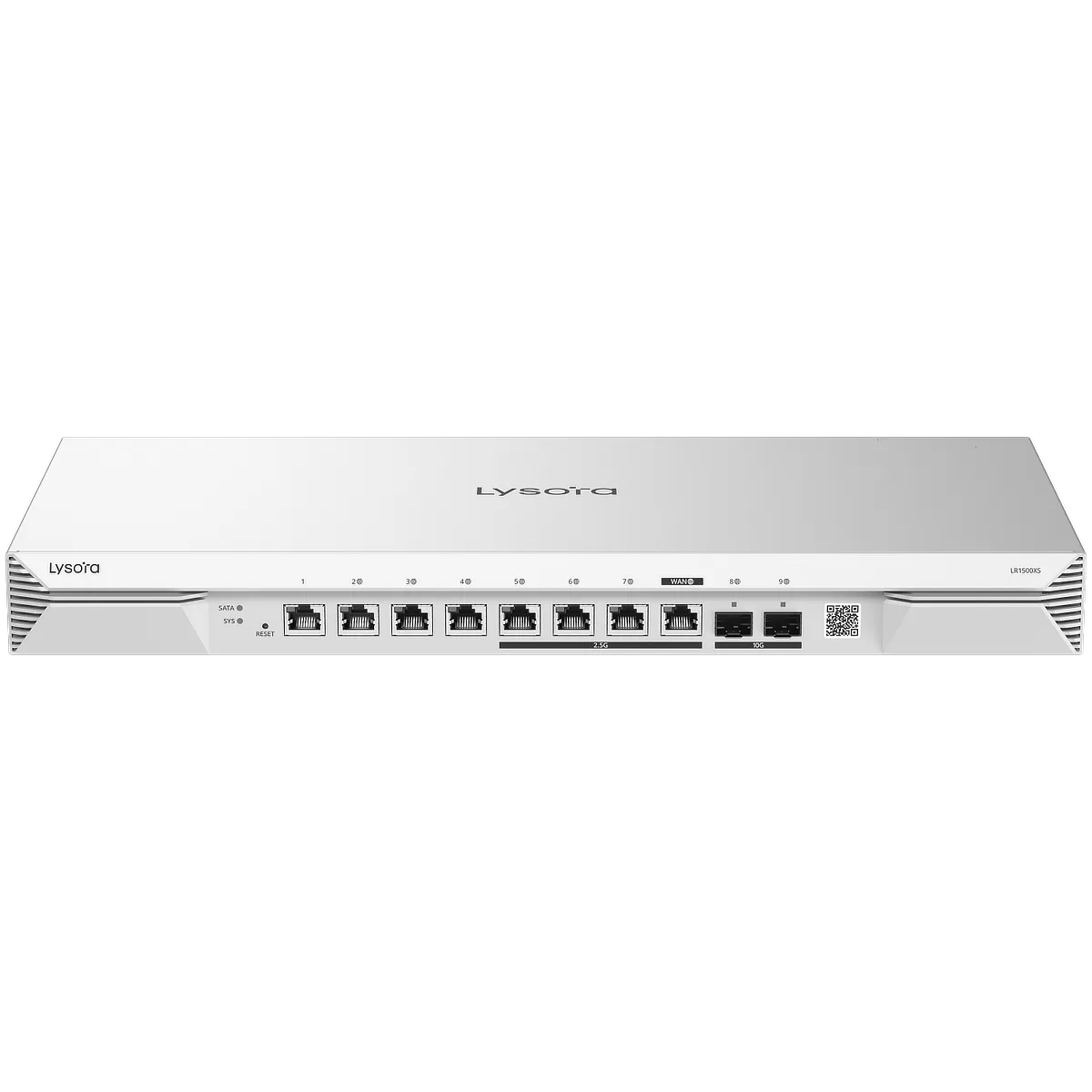 8-port router with 2.5 Gb ports and 10 Gb SFP+ uplink ports
Lysora Cloud-managed Switches
Economic Gigabit PoE+ Switches
LCS-4GS-P
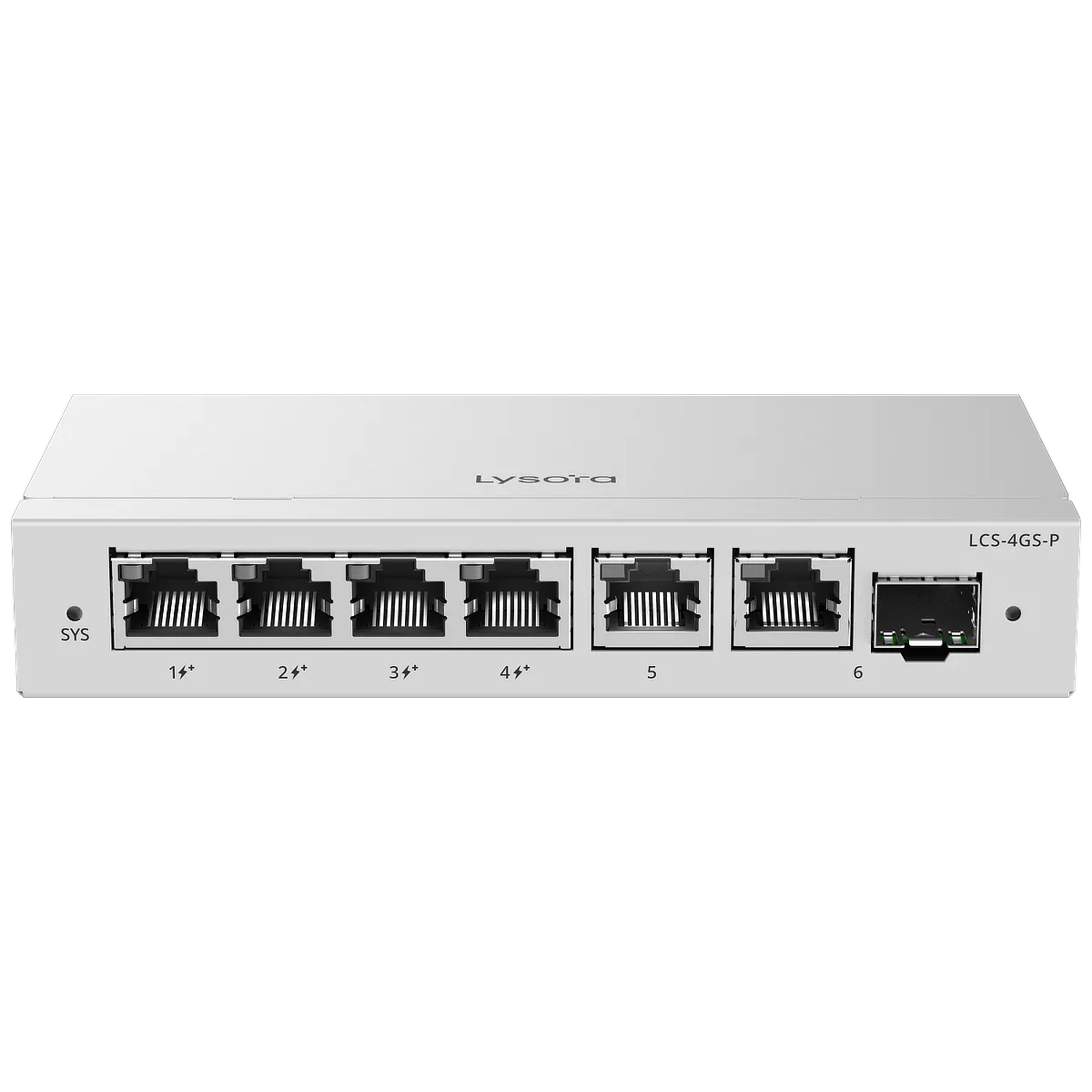 4-port PoE+ w/ 1 combo uplink (54 W budget)
LCS-8GS-P
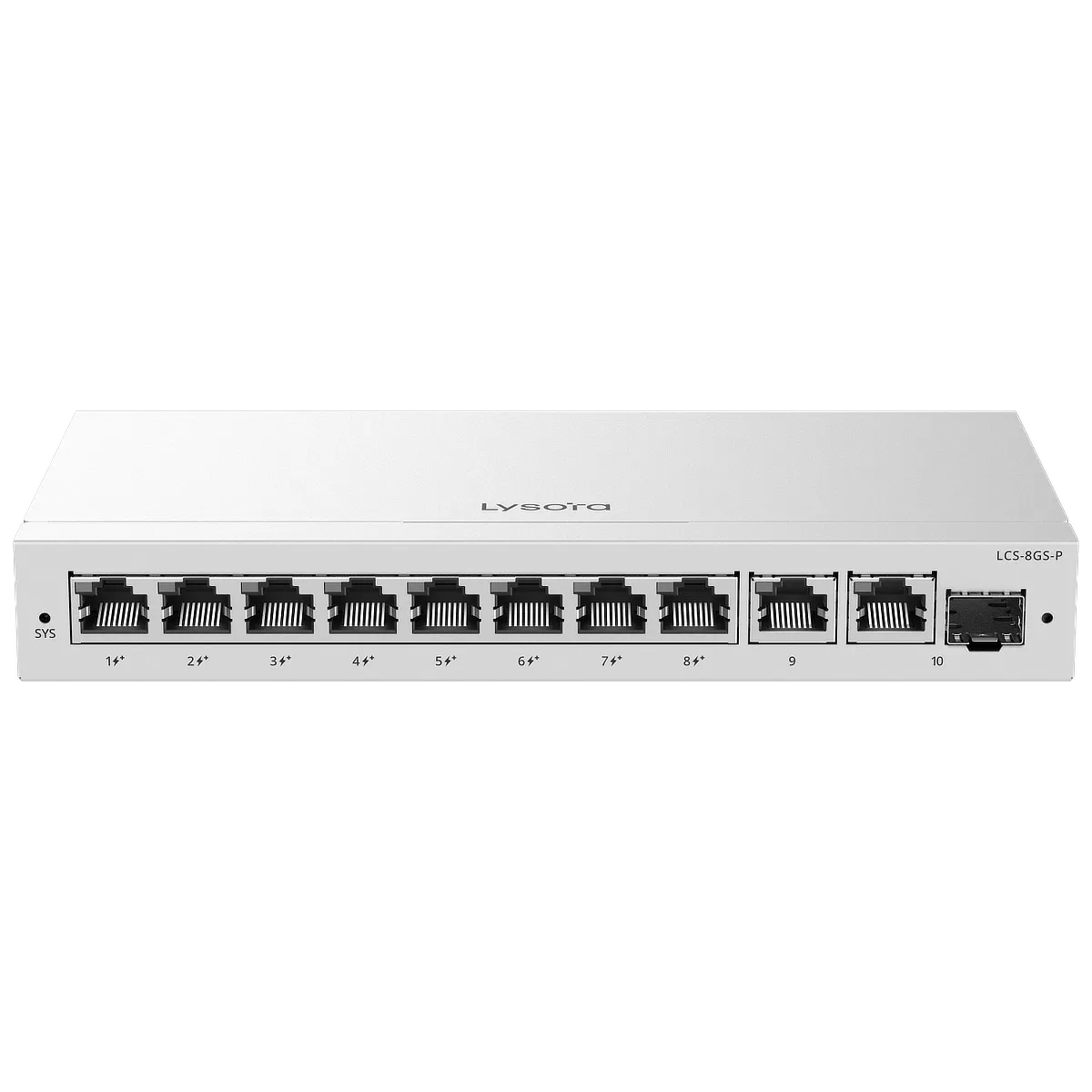 8-port PoE+ w/ 1 Combo Uplink (120 W budget)
LCS-16GS-P
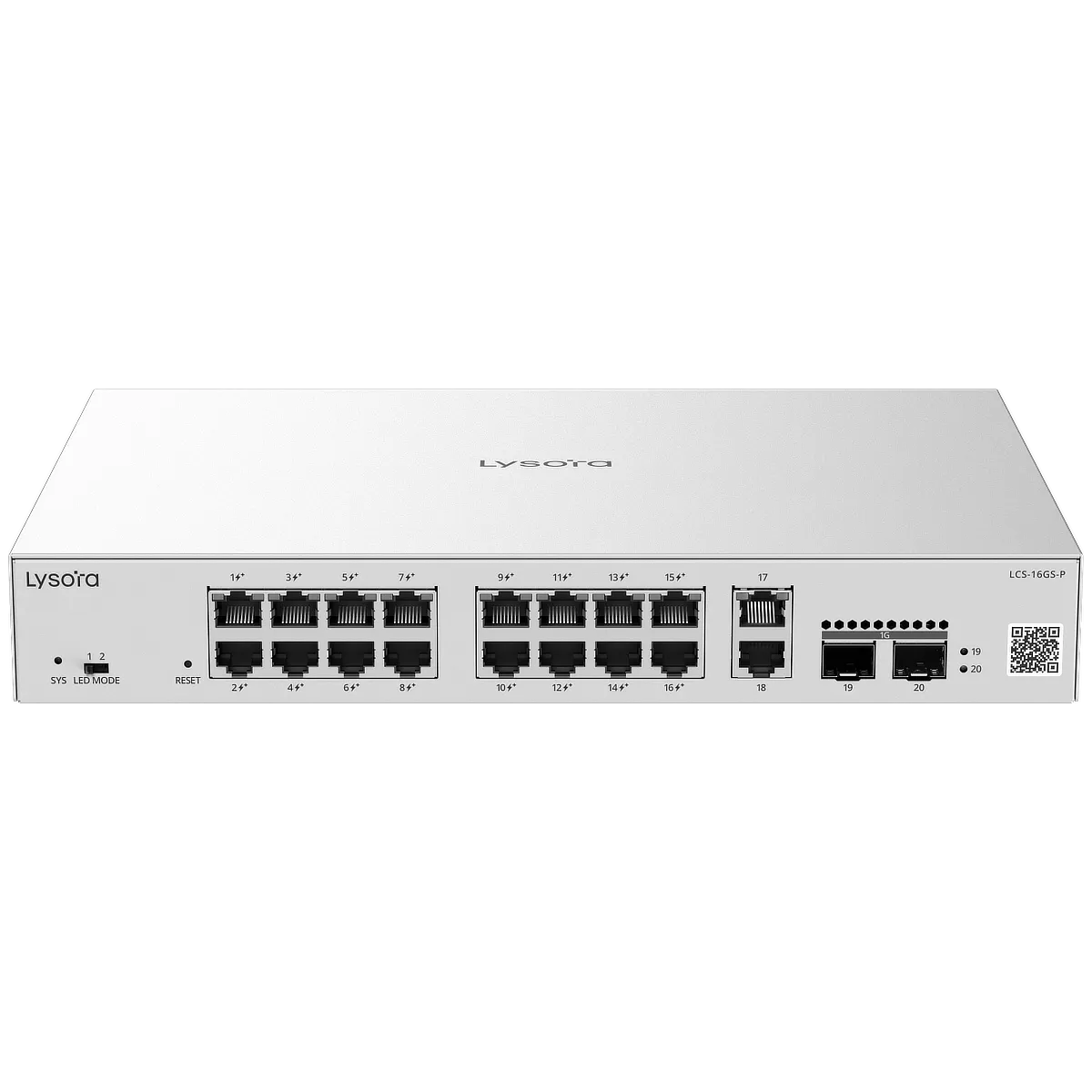 16-port PoE+ w/ 2 Combo Uplinks (250 W budget)
LCS-24GS-P
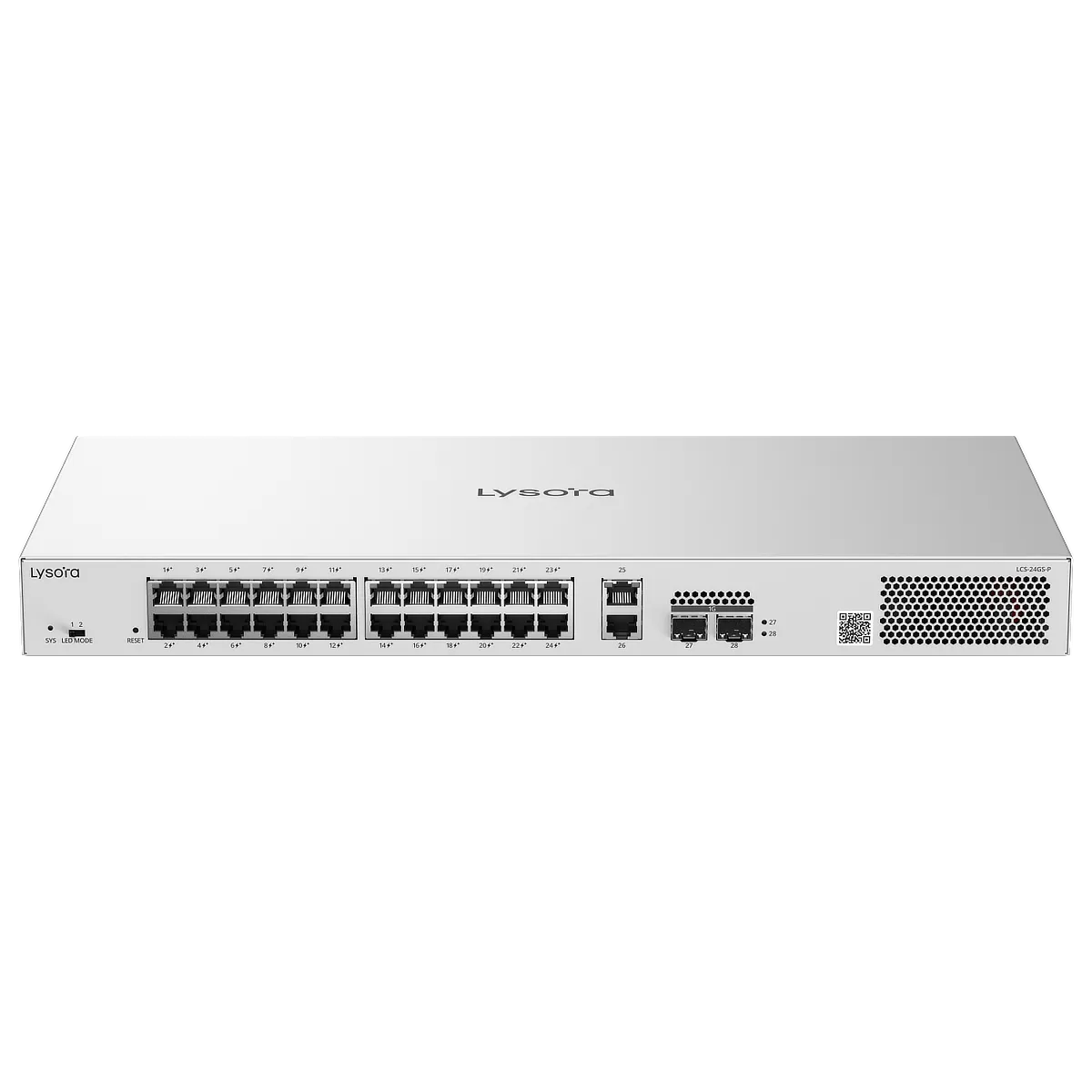 24-port PoE+ w/ 2 Combo Uplinks (370 W budget)
Layer 2 Managed Switches
LS2-8GT2SFP-P
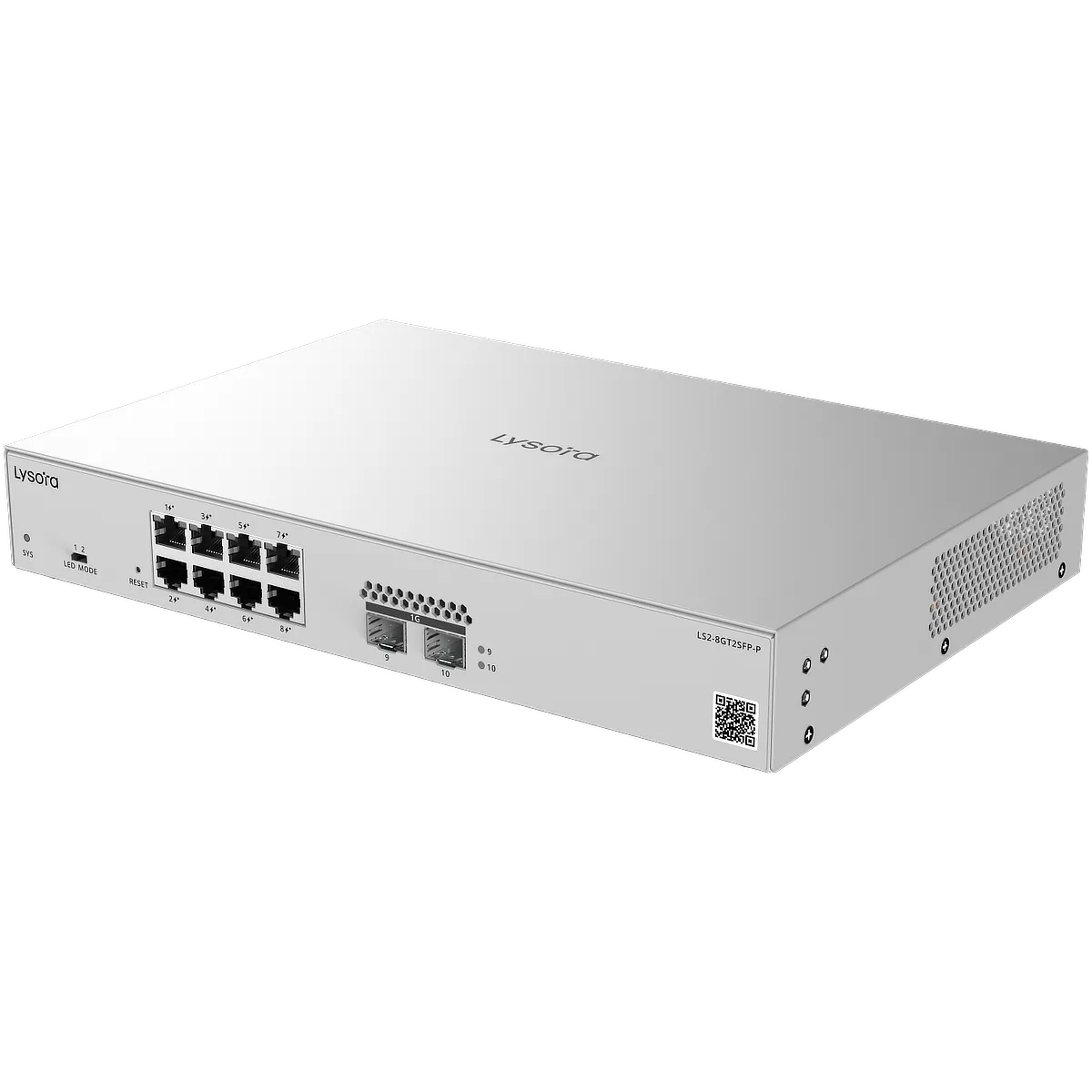 8-port PoE+ w/ 2× SFP uplink (125 W budget)
LS2-24GT4SFP-P
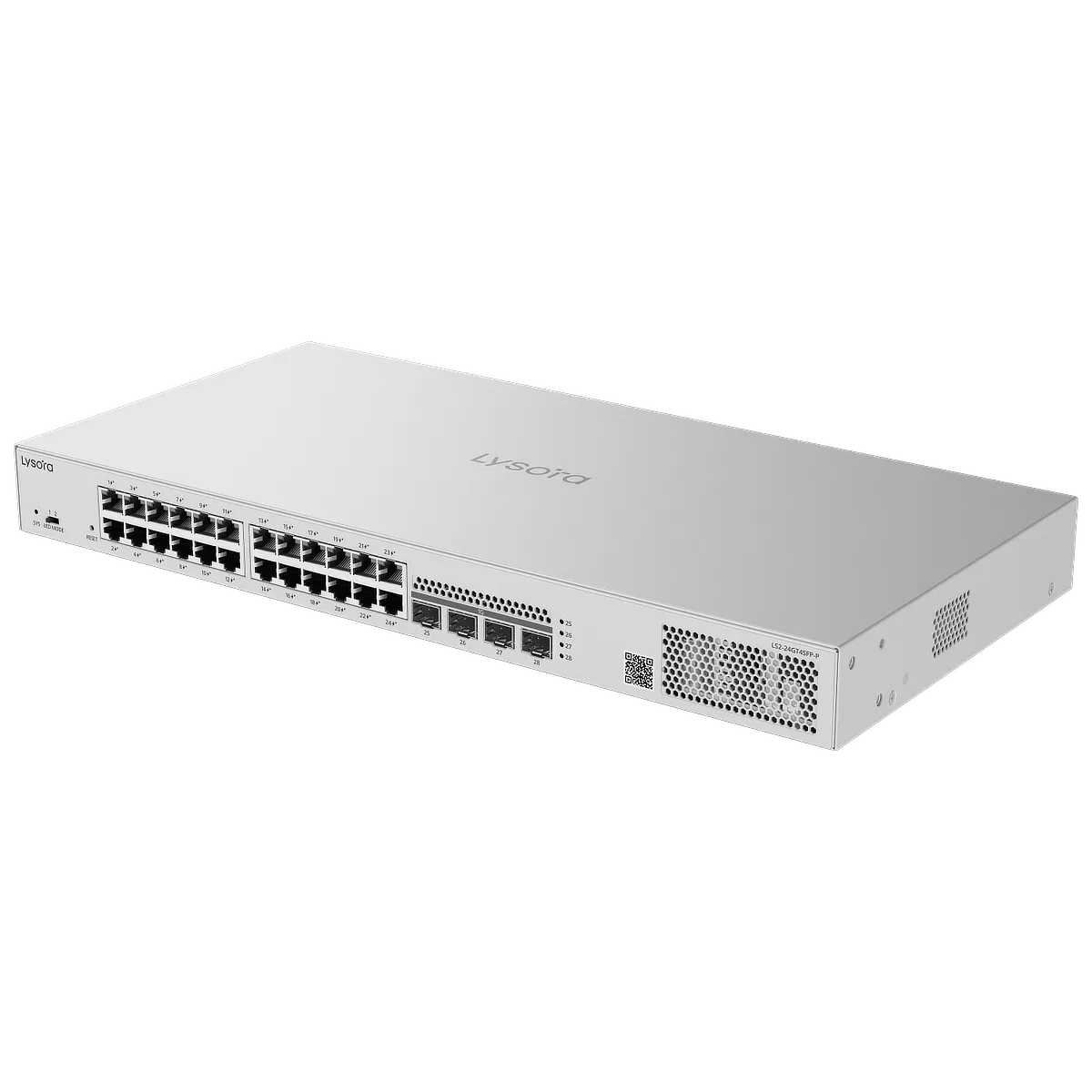 24-port PoE+ w/ 4× SFP uplink (370 W budget)
LS2-48GT4SFP-P
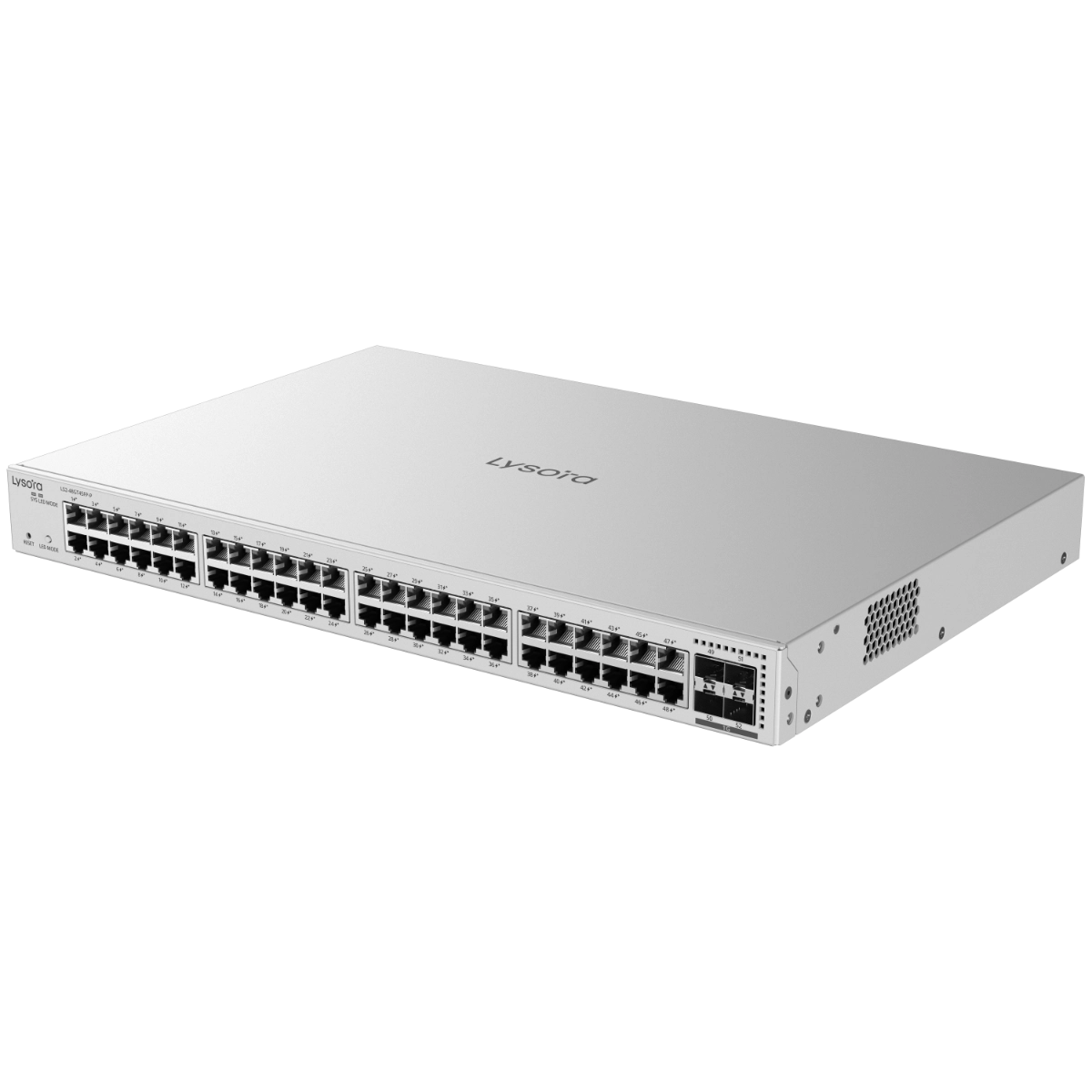 48-port PoE+ w/ 4× SFP uplink (370 W budget)
Layer 2+ Managed Switches
LS2P-8MG2XS-P
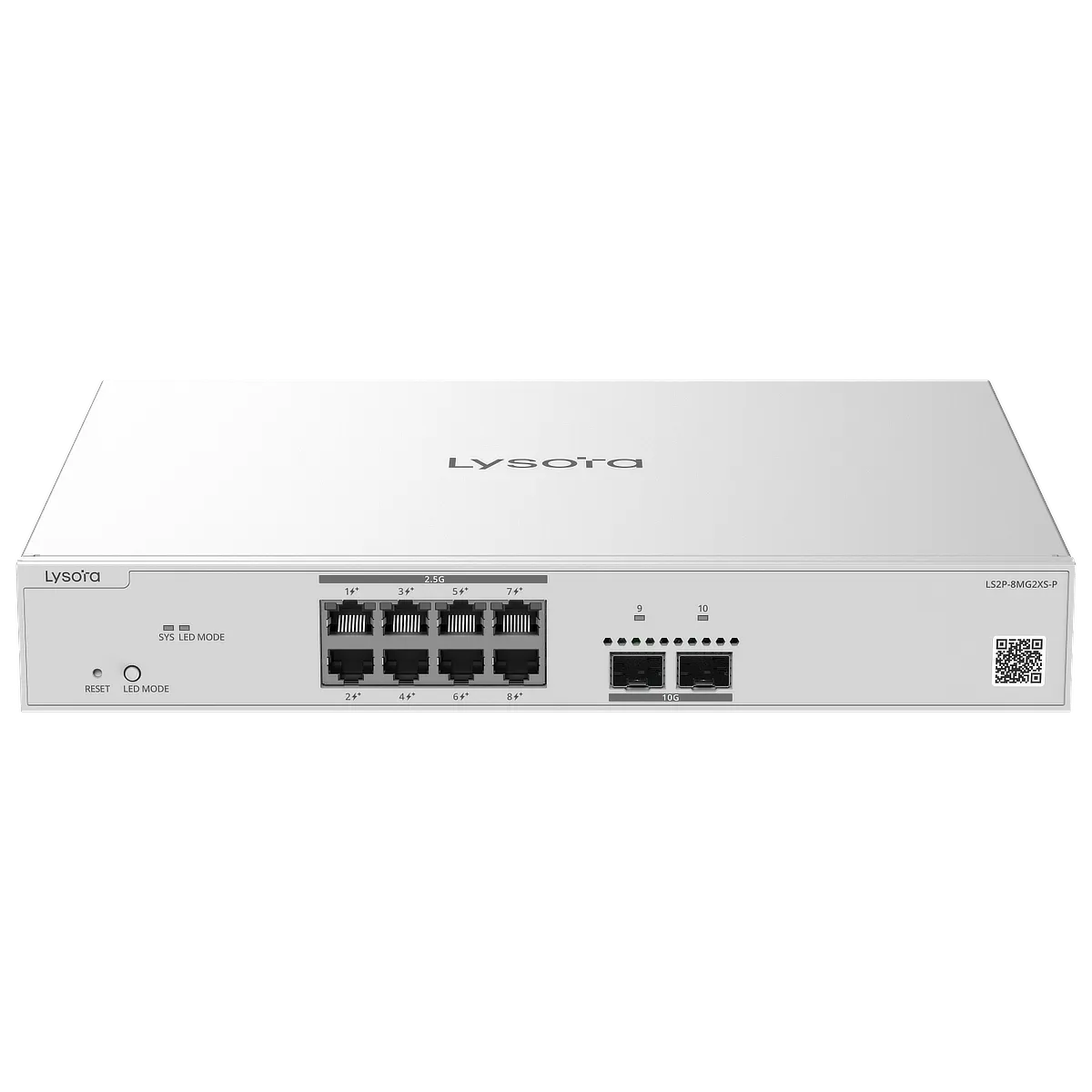 8-port PoE+ w/ 2× 10G SFP uplink (240 W budget)
LS2P-16MG4XS-HP
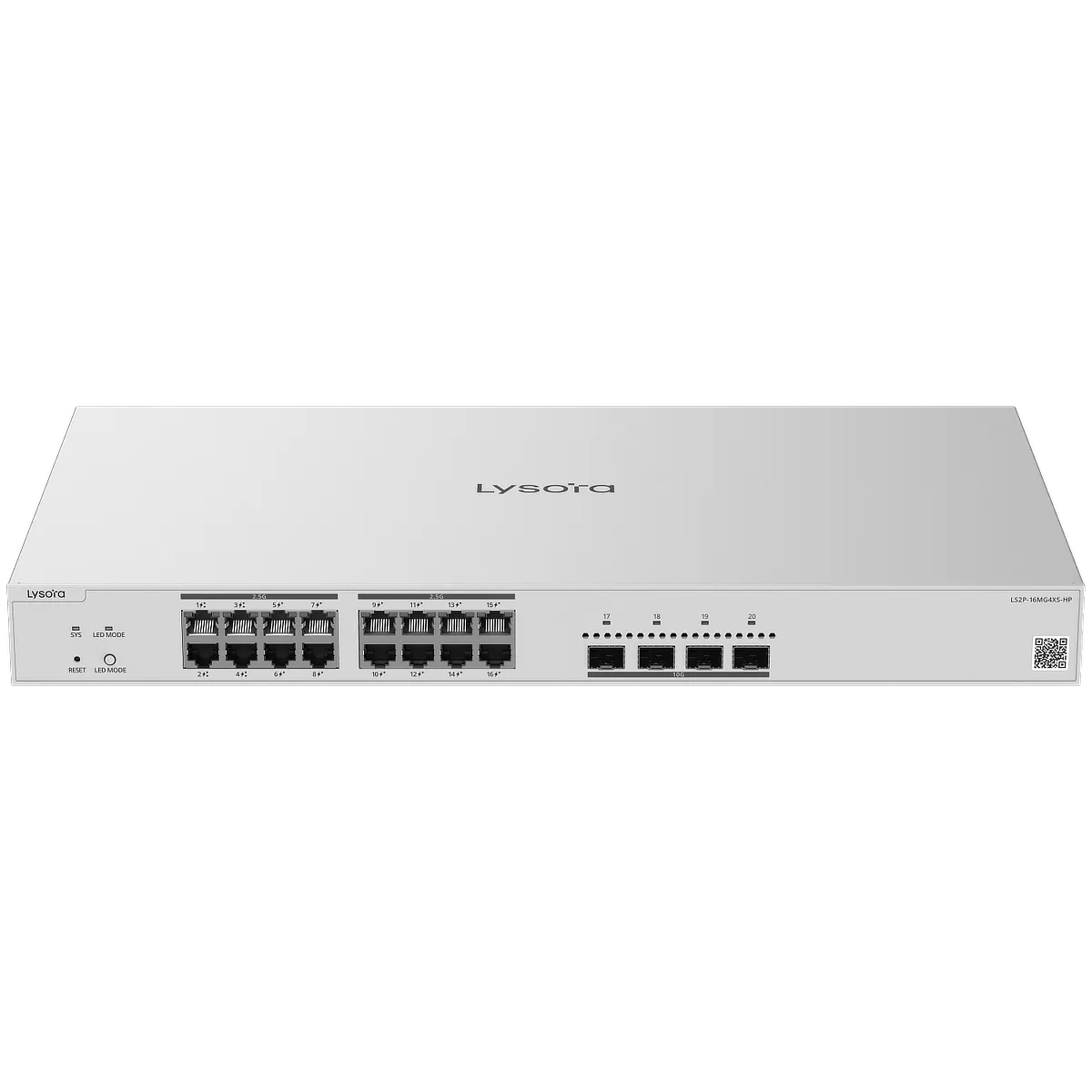 4 PoE++ & 12 PoE+ ports w/ 4× 10G SFP uplink (370 W budget)
Layer 3 Managed Switches
LS3-12XS
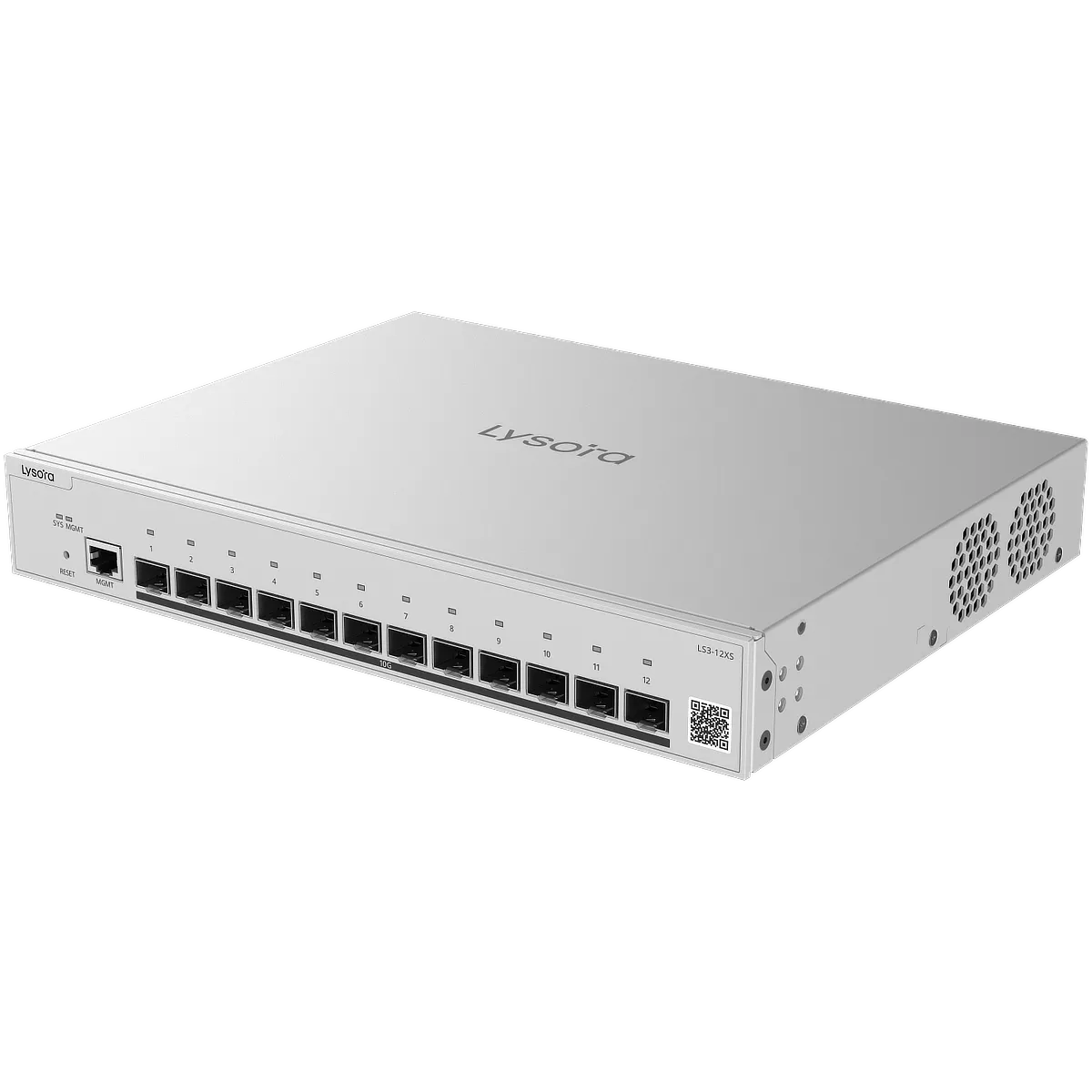 12× 10G SFP+ Ports (no RJ45 ports)
LS3-24SFP/8GT4XS
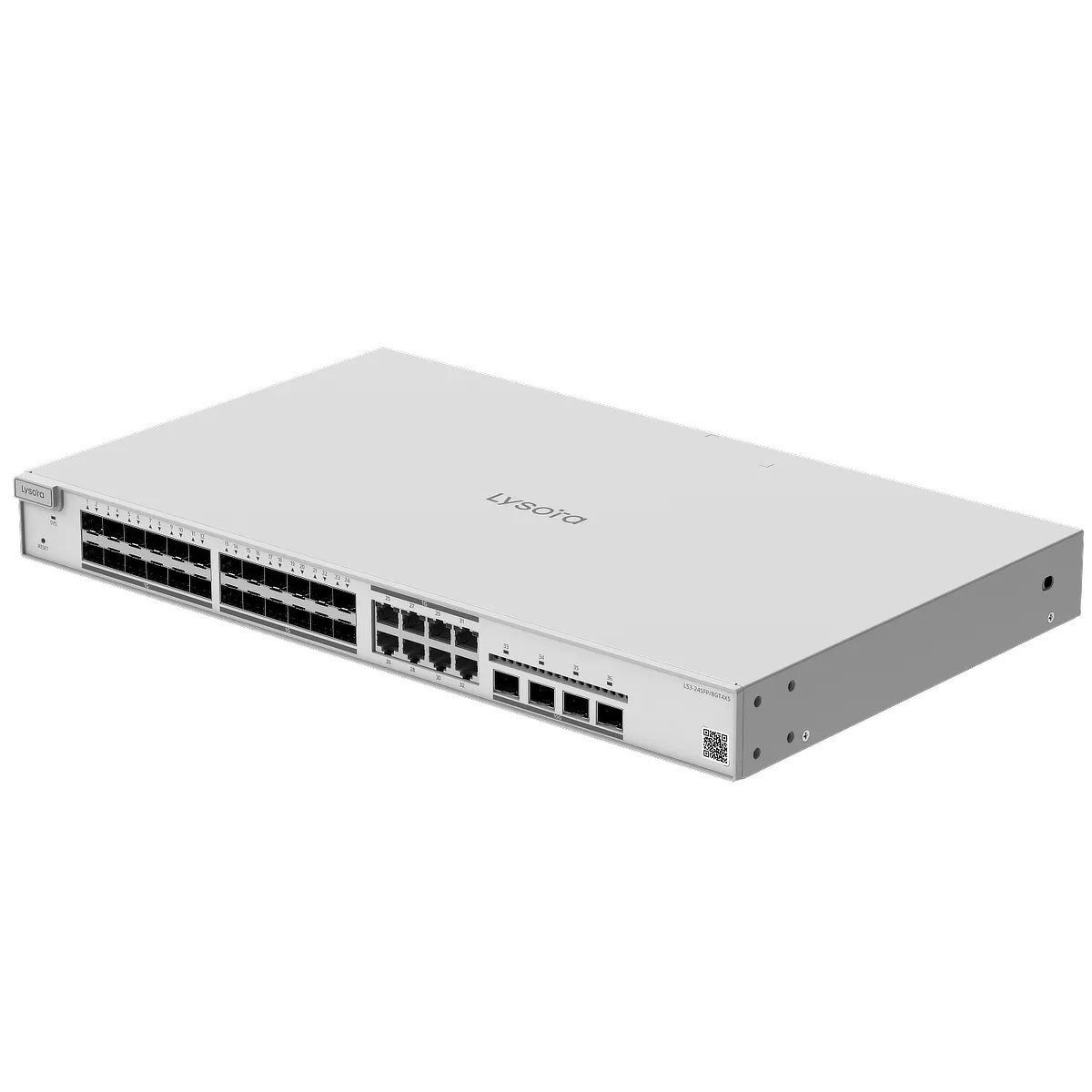 24 SFP Ports with 8 combo ports, 4× 10G SFP+ Ports
Industrial PoE Switches
LCST-8GT2SFP-HP
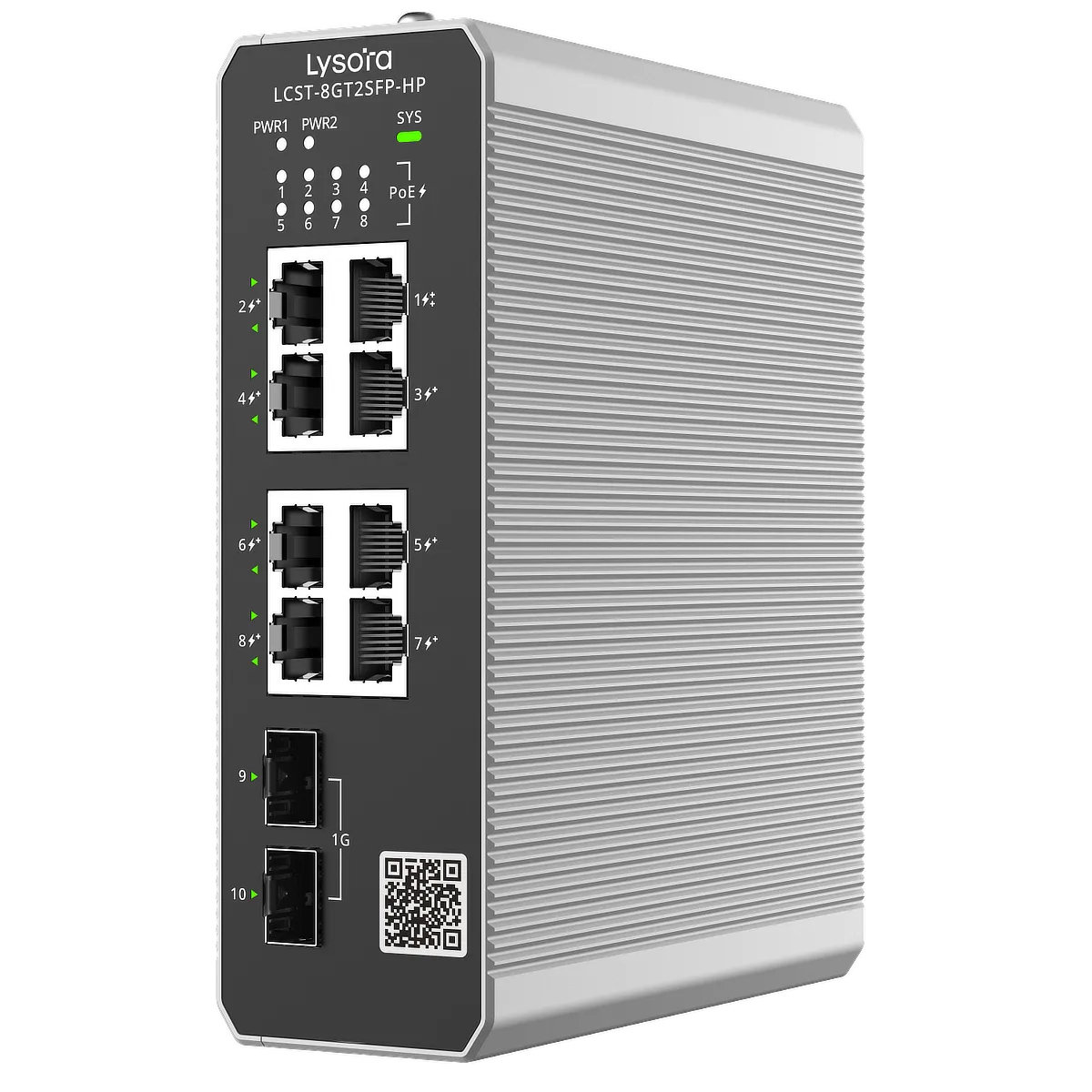 8-port (1× PoE++ & 7× PoE+) w/ 2× SFP uplink (300 W budget)
LS2T-8GT2SFP-HP
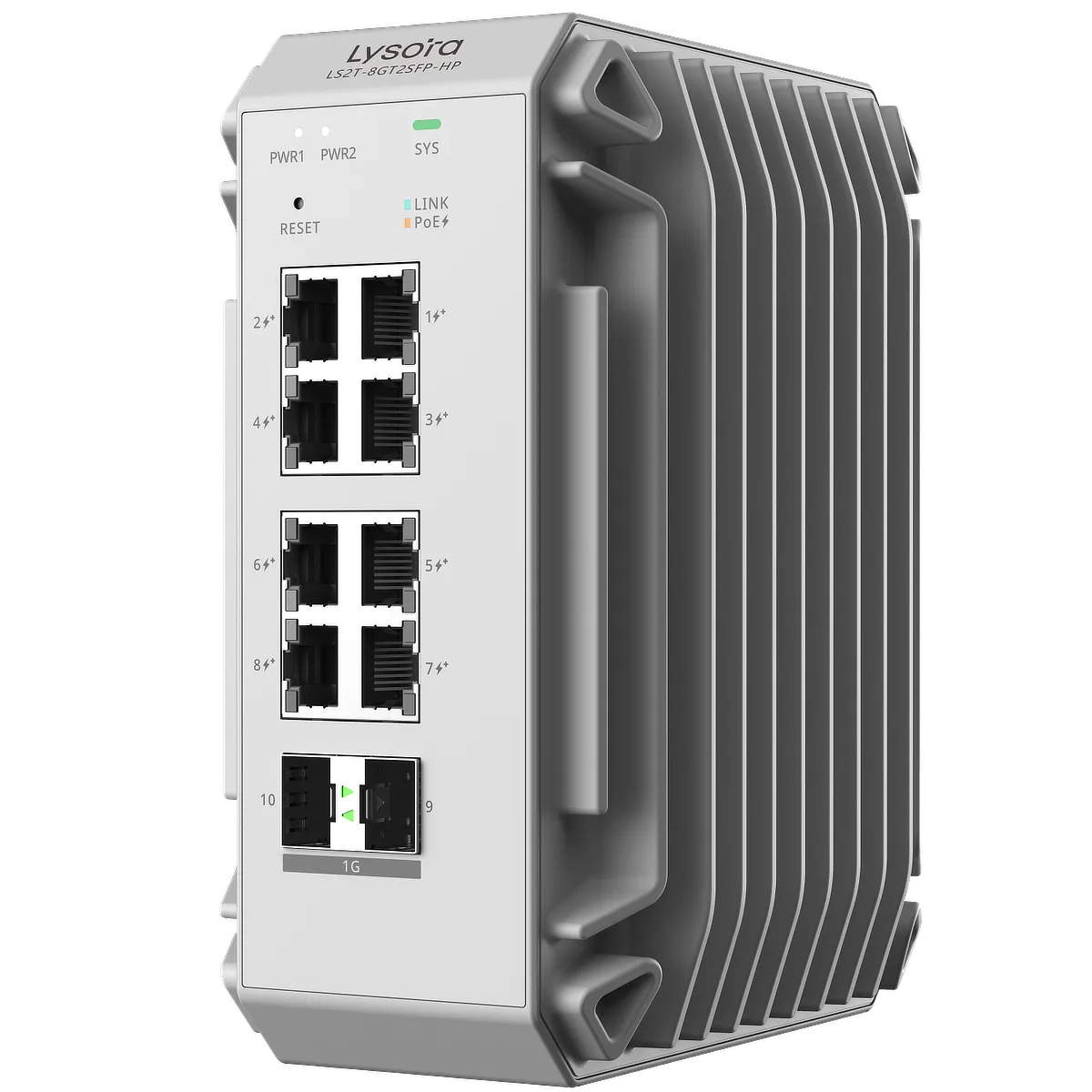 8-port PoE+ w/ 2× SFP uplink (240 W budget) with layer 2 features
Lysora Wireless Access Points
Indoor Ceiling AP – For Offices and Warehouses
L6Lite
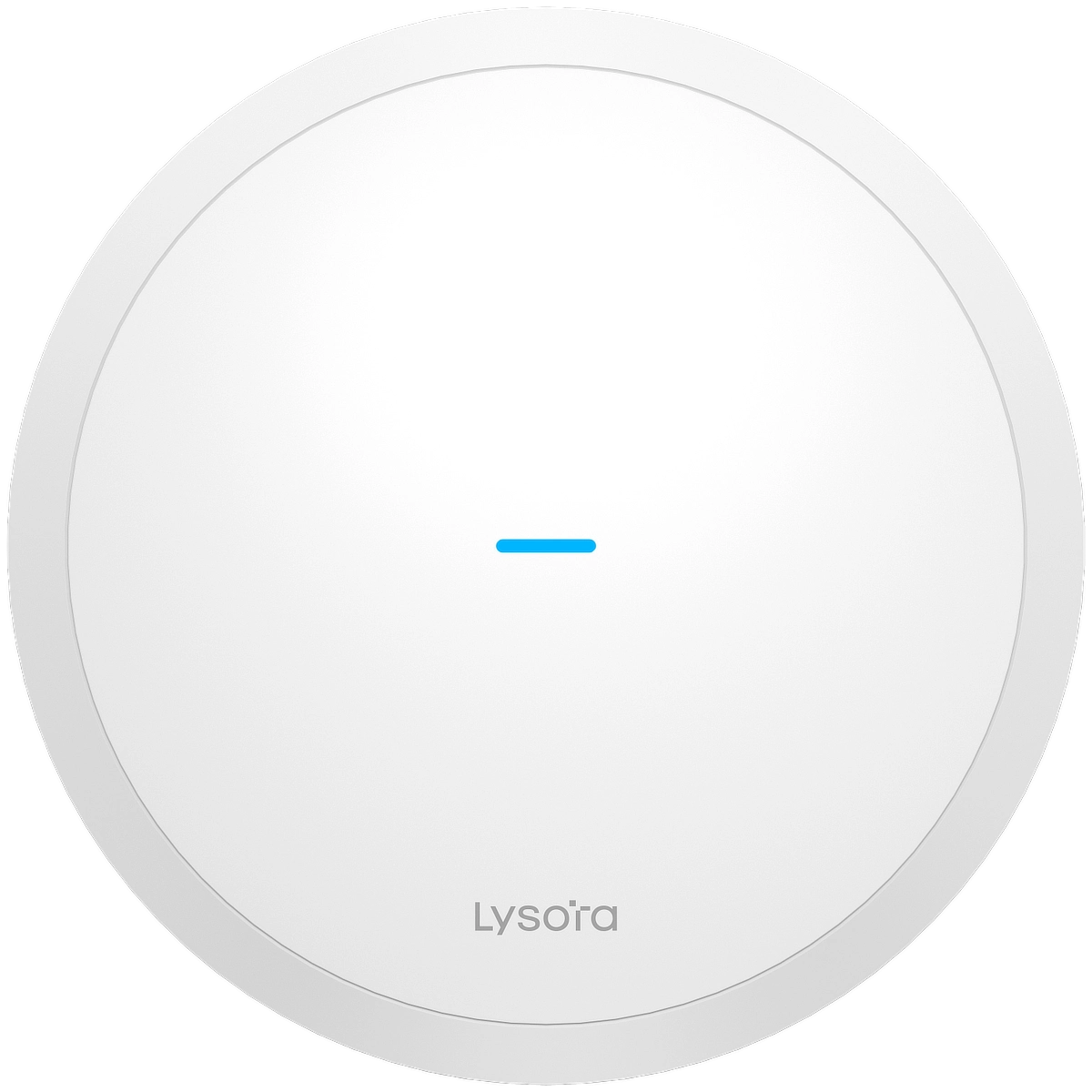 Wi-Fi 6, up to 1774 Mbps bandwidth, 125 m² coverage area
L6
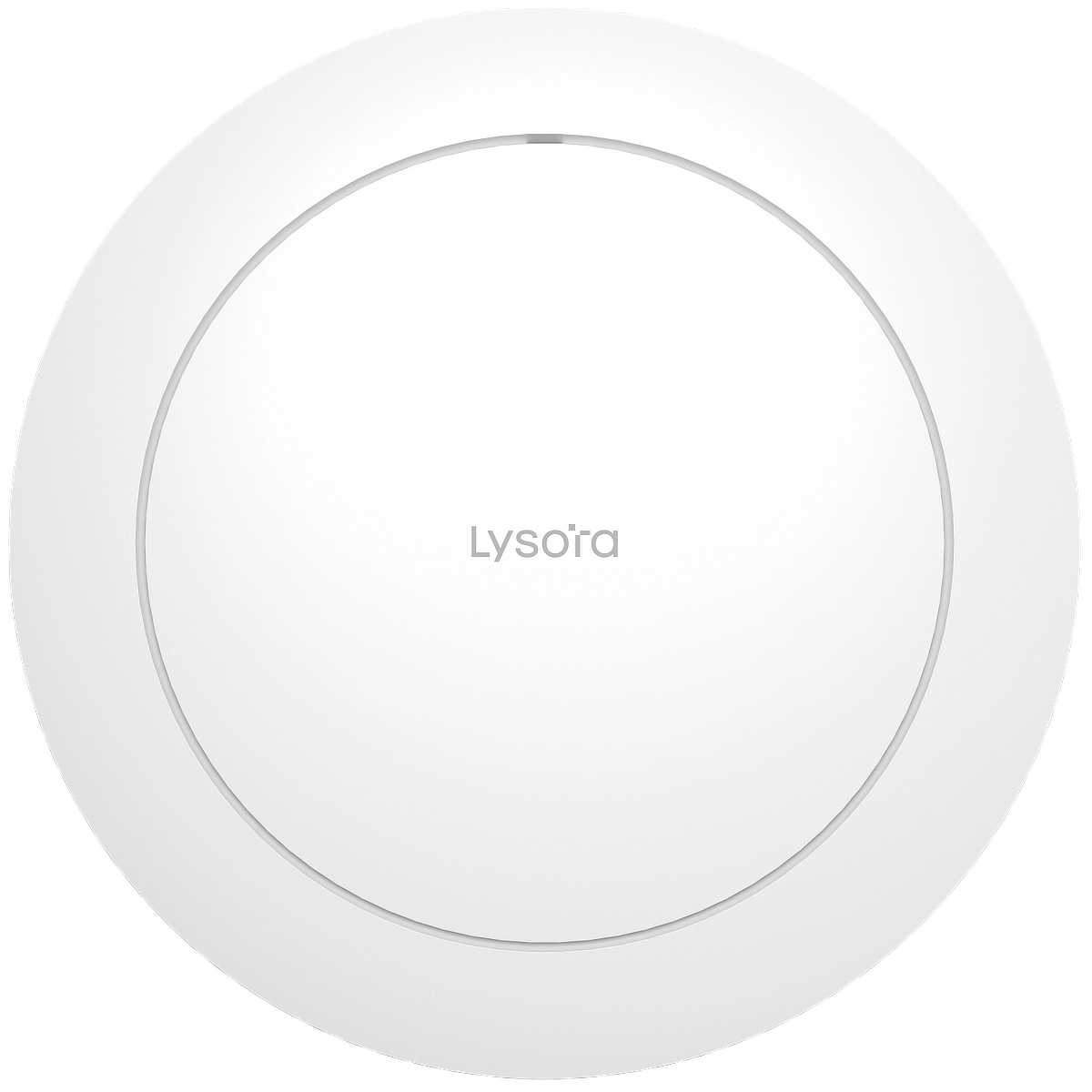 Wi-Fi 6, up to 2976 Mbps bandwidth, 145 m² coverage area
L7Lite
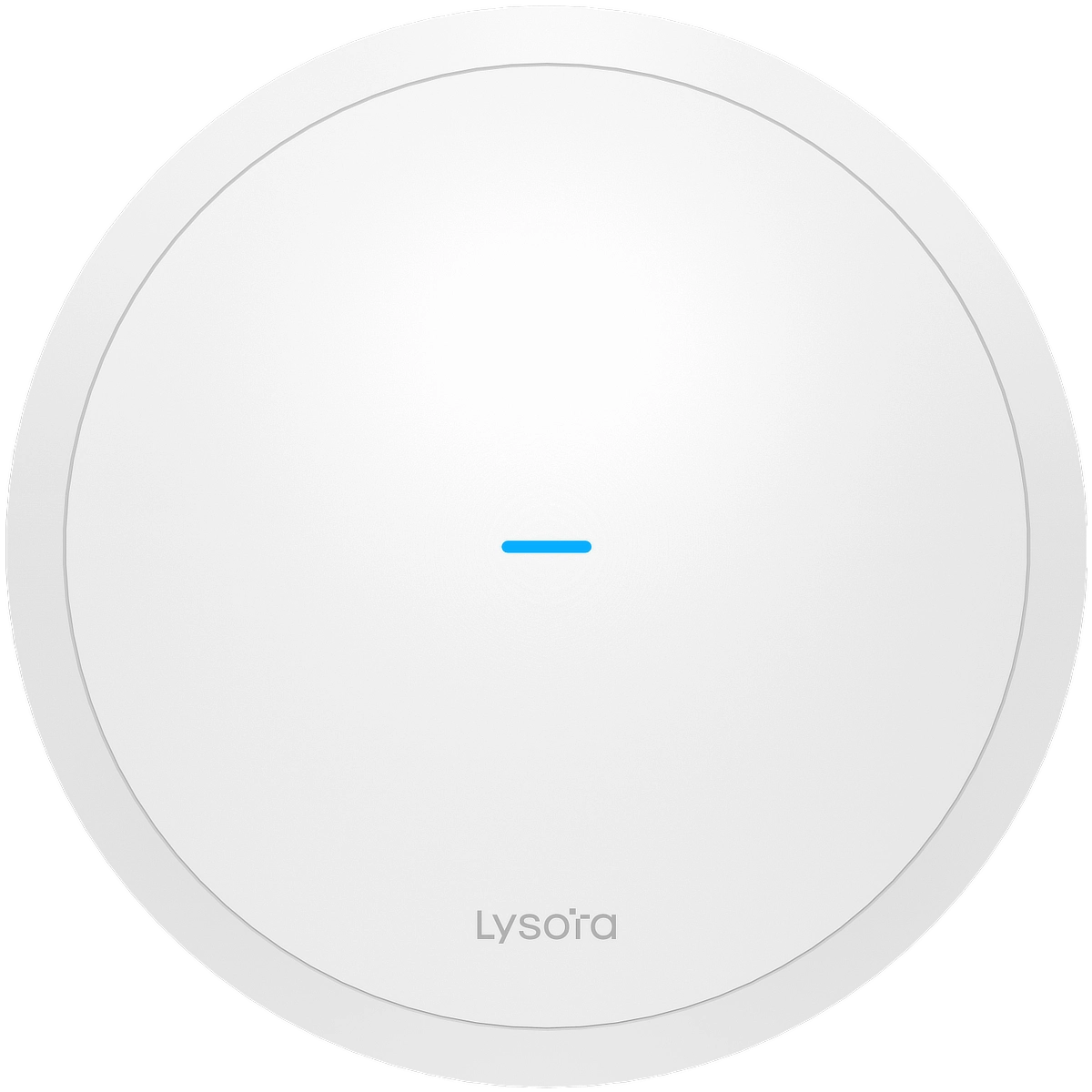 Wi-Fi 7, up to 3570 Mbps bandwidth, 140 m² coverage area
L7
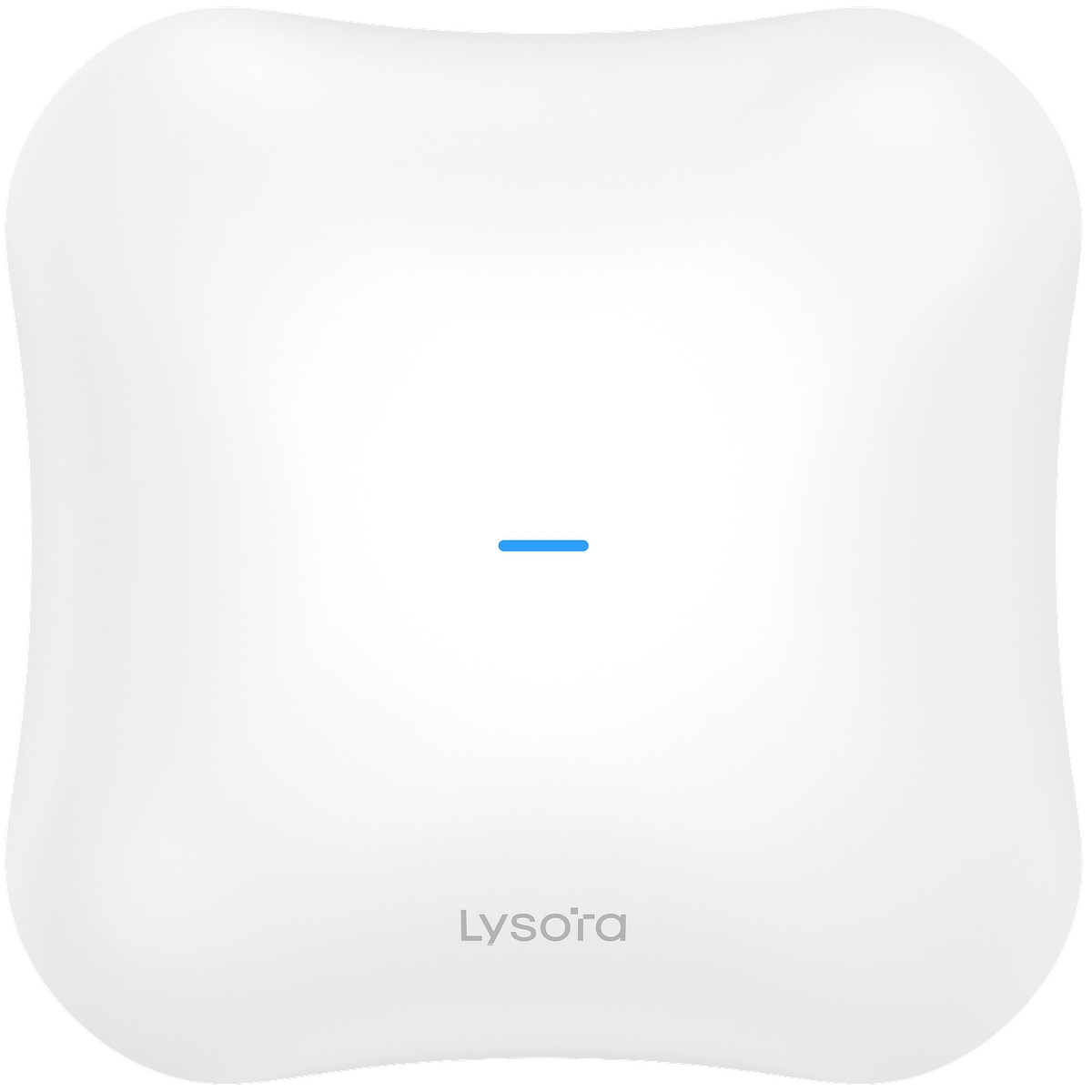 Wi-Fi 7, up to 5011 Mbps bandwidth, 145 m² coverage area
L7Pro
Wi-Fi 7, up to 13657 Mbps bandwidth, 145 m² coverage area, supports 6 GHz FrequenciesOutdoor Access Points – IP65+ Weather Resistance
L6Pro-T
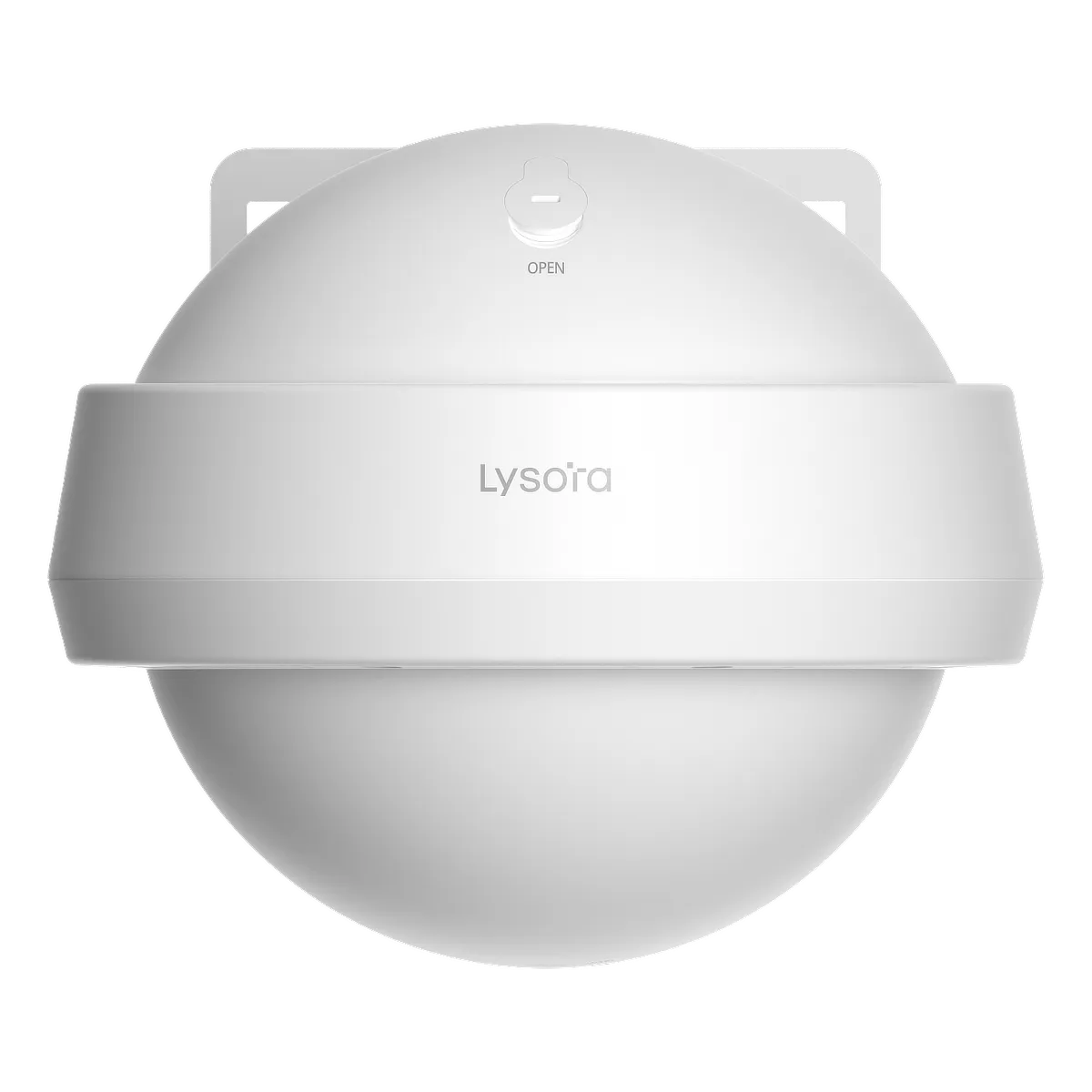 Wi-Fi 6, up to 2976 Mbps bandwidth, 200 m² coverage area, IP68 weather resistance
L7-T
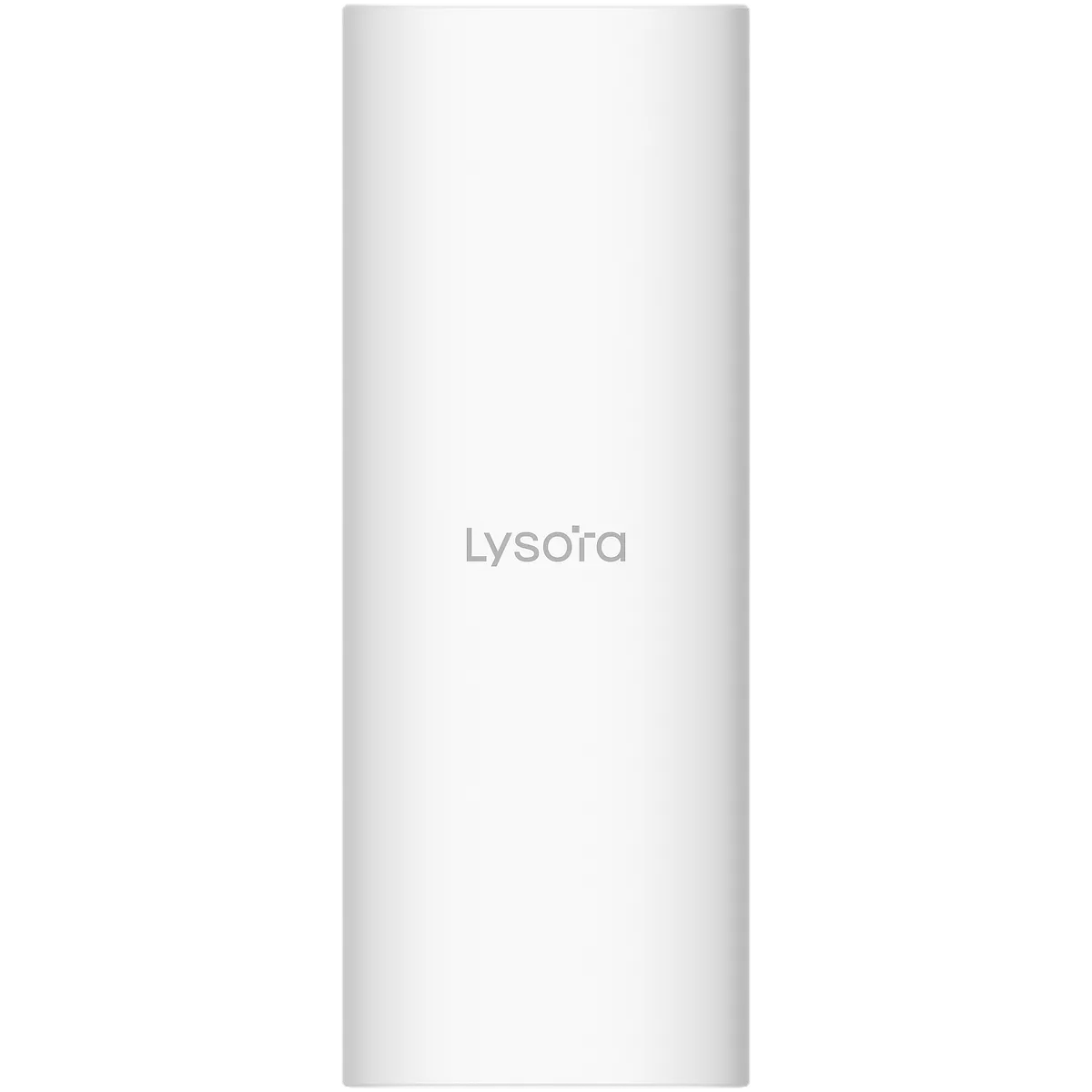 Wi-Fi 7, up to 5011 Mbps bandwidth, 145 m² coverage area, IP65 weather resistance
In-Wall AP – Suitable for Offices and Hotels
L7-W
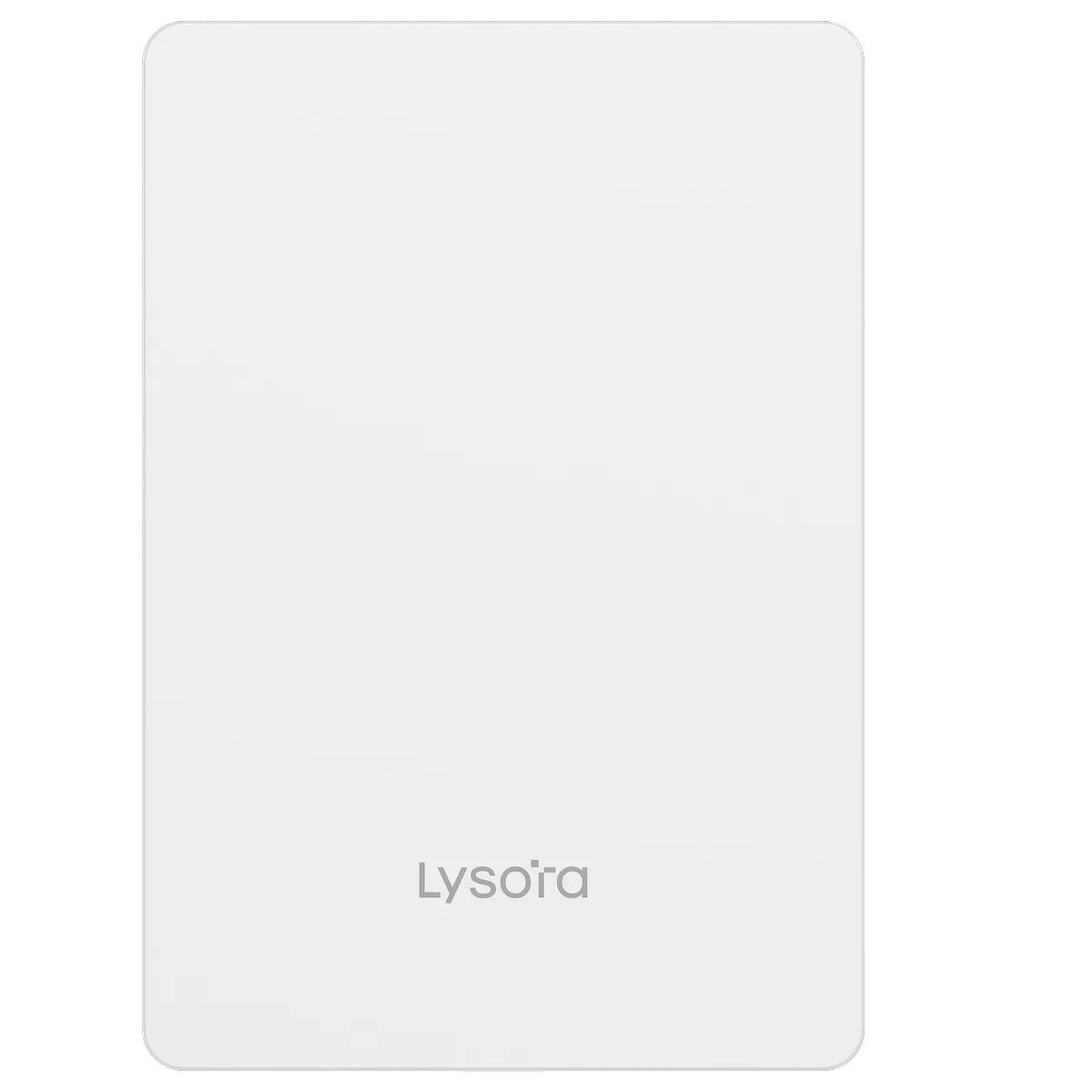 Wi-Fi 7, up to 3750 Mbps bandwidth, 55 m² coverage area, includes 4× Gigabit ports (1 PoE output)
Lysora Wireless Bridges (5 GHz)
For Connecting Sites Wirelessly (3+ km distance)
CPE3-P
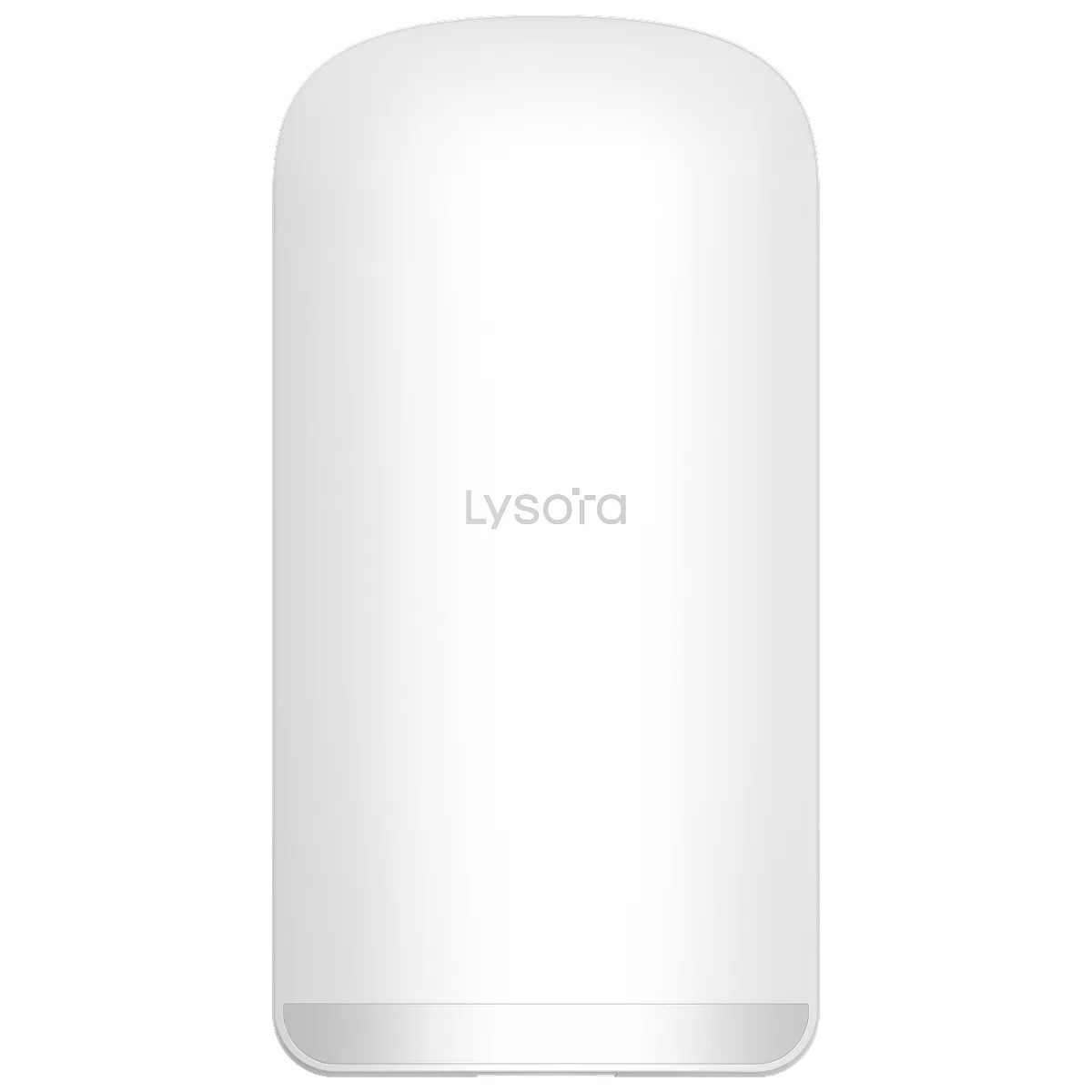 Up to 3 km distance, 1–5 PtMP (30° horizontal spread), 2× PoE outputs, up to 100 Mbps
CPE5
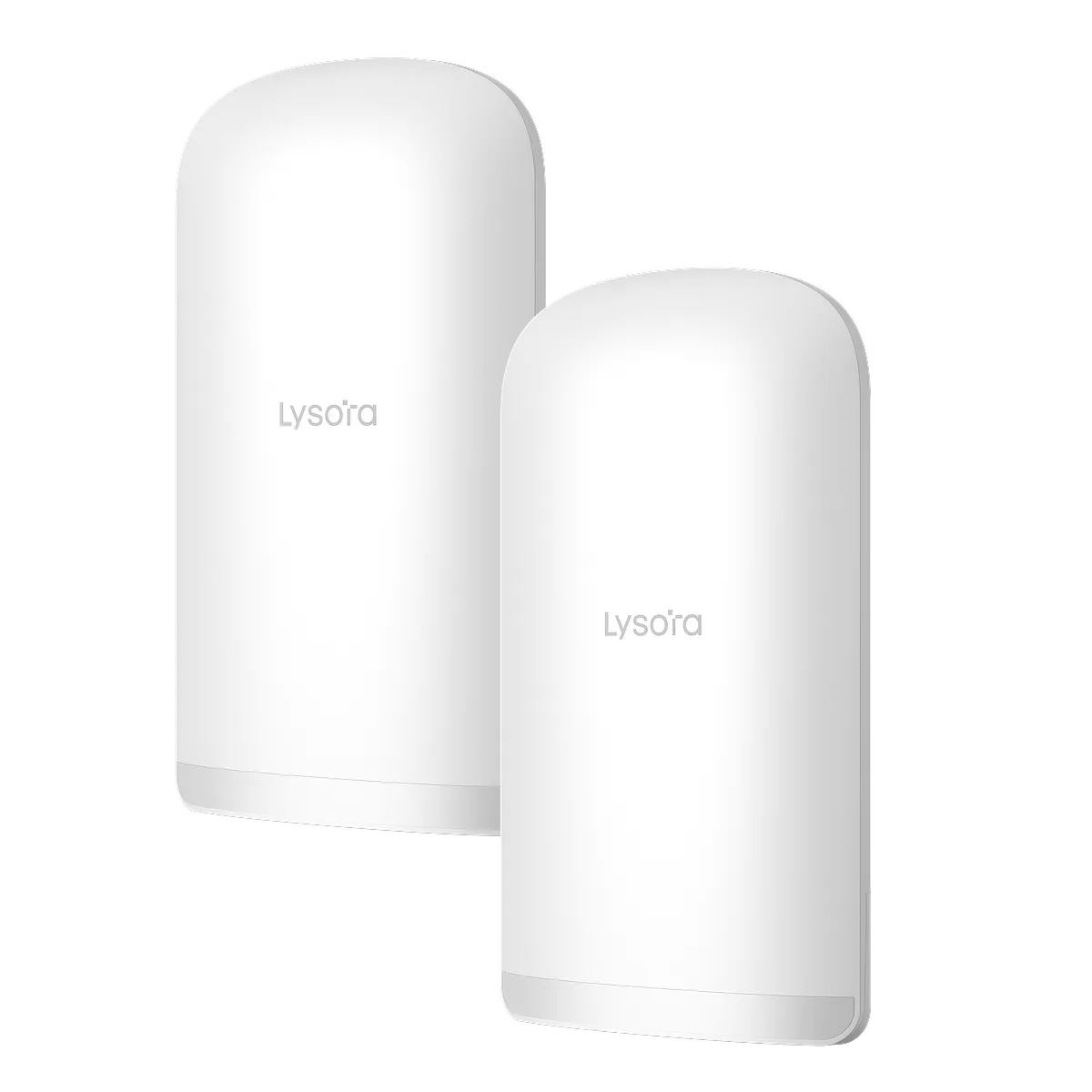 Up to 5 km distance, 1–5 PtMP (30° horizontal spread), 3× Gigabit ports, up to 867 Mbps
Base5i
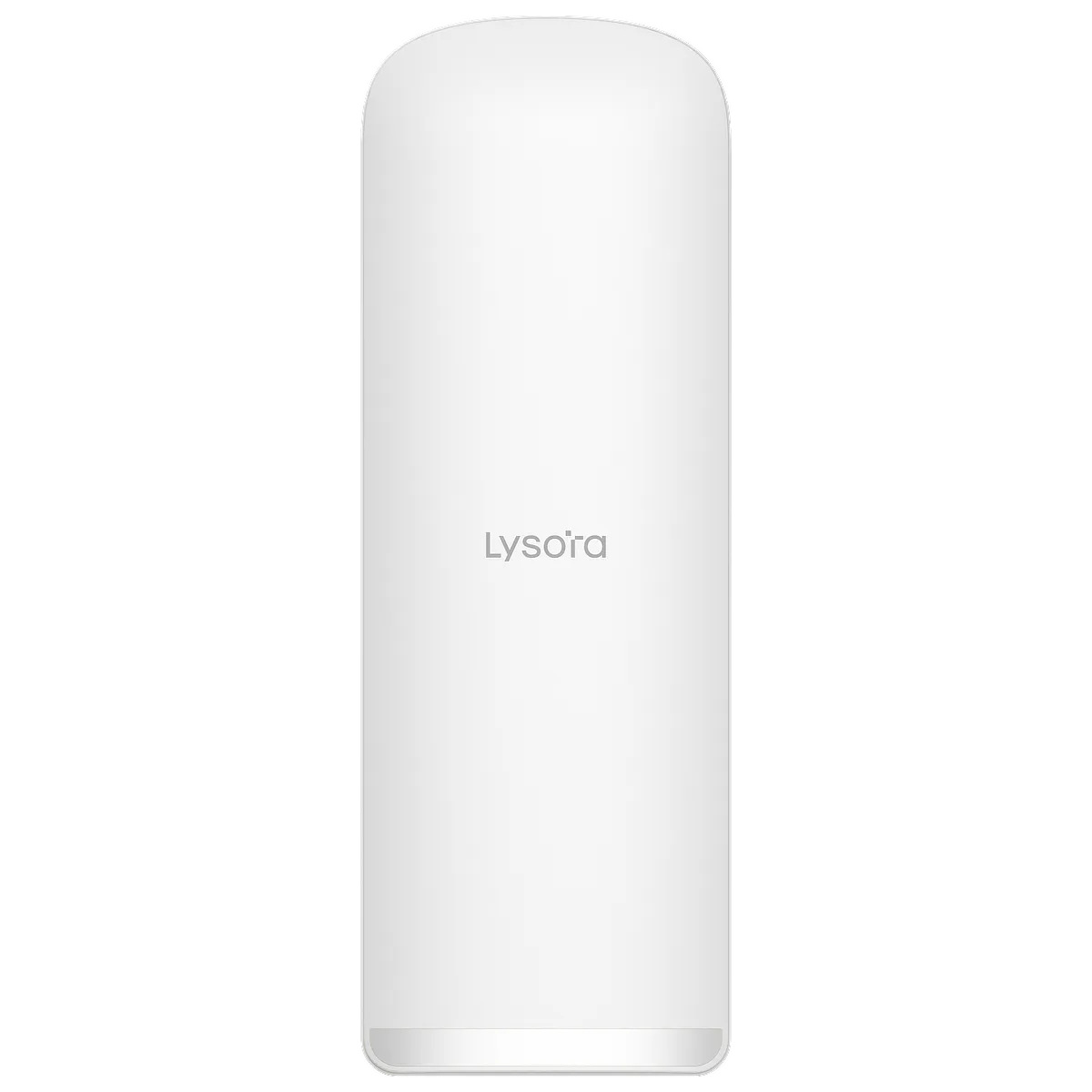 Up to 5 km distance, 1–16 PtMP (120° horizontal spread), 3× Gigabit ports, up to 867 Mbps
Lysora Cloud Management
With Lysora, you have access to a free cloud management portal – where you can register devices through their serial number and sort them into different projects. Then, you can easily manage settings such as Wi-Fi names & password, multi-WAN failover, VLAN IDs, and more.
The cloud portal also gives you access to firmware upgrades and a monitoring page where you can see which clients are connected to the network. You can also download the Lysora Cloud App (Google Play Store | App Store) on your phone – allowing you to setup the entire project without a computer.
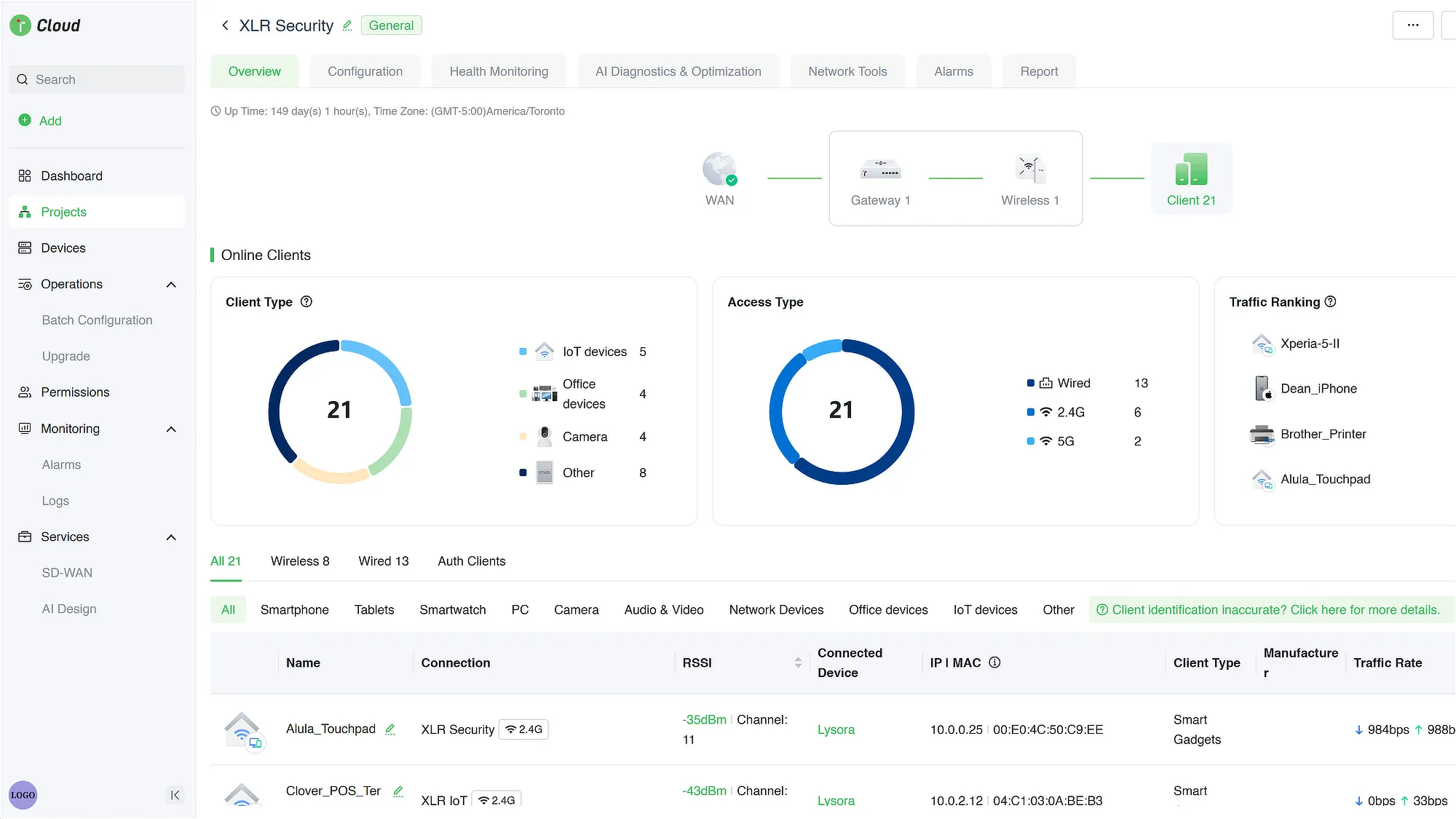
The cloud portal is completely free to use – there are no subscriptions or additional paid features. It’s one of the key benefits to choosing Lysora equipment for your projects.
Videos about Lysora
Become a Lysora Dealer
You can purchase Lysora products directly from us at XLR Security. We’re an authorized distributor for Lysora. We’re located in Toronto, ON but we offer shipping across Canada.
To register for an account, you can apply for our dealer program using the link below.